1
CUENCAS User’s Manual
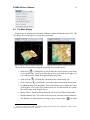
outlet selection, [
[
•
15
] for tracing flow path, [
] for creating new location, or
] for creating a new map by cutting a section of the current map.
Right-Button-Click: This action will bring up the interface associated to the
“active element” being clicked. Active elements are usually small squares in
the display. We will illustrate the "Basin-Outlet" element in section 2.4.2.
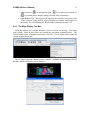
2.4.1 The Maps Display Tool Bar
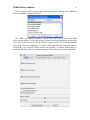
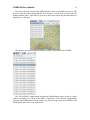
Each map display has a toolbar that gives access to actions on the map. The Zoom
icons (Home, Zoom In and Zoom out) control the projection explained before. The
Camera button takes a snapshot and creates a JPG file. The P (Print) button sends the
current image to the printer.
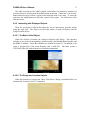
The CP button opens the “Raster Viewer Controls”. It allows manipulating the axis of
the map, and the color table used to display it.