1
CUENCAS User’s Manual
16
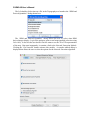
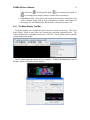
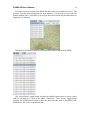
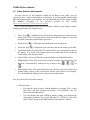
Four more tools are activated for DEMs that have been successfully processed. The
Network Tool that allows displaying the river network. The network is color coded by
Horton-Strahler order. Each order is given by a check box so that only desired orders are
displayed over the map.
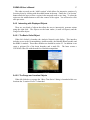
The Basins Log button contains a list of previously selected basins in the DEM.
The “Select Basin” toggle-button activates the middle-button action to select a basin
outlet by clicking over a spot in the DEM. Finally the “Trace Stream” toggle-button
activates the middle-button action to show the path from any point in the DEM to the
DEM border, the ocean, or an internal lake.