1
3.11
Apply the alarm / reminder setting to the projectors in the group
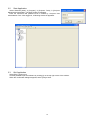
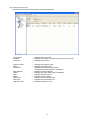
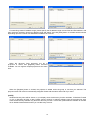
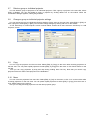
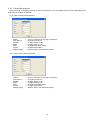
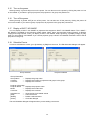
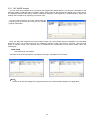
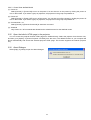
You can set the alarm / reminder setting to the multiple projectors in the group at the same time. Select the group
that you want to set the alarm / reminder, and then go to [Edit]
[Alarm Time Setting] from the menu. The Alarm
Time Settings dialogue will appear. Check the checkbox and enter the hours that the alarm / reminder will be
activated.
If you apply new setting to the group, the individual alarm / reminder setting on each projector will be overwritten.
3.12
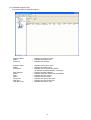
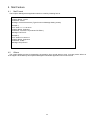
Update Status
Select [View]
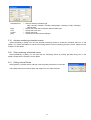
[Refresh] to update status of a group or individual projector. This function only works when the
status tab is displayed.
3.13
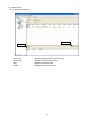
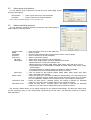
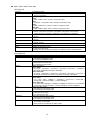
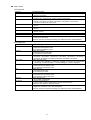
Search queries for Status view
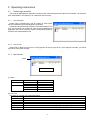
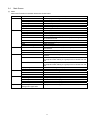
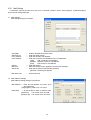
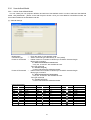
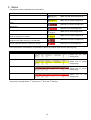
In order to make the search queries for Status view, Go to [View]
will appear.
Connection
IP Address
Power
Status
Lamp Time
Filter Time
Total Run Time
All or part of the projector name
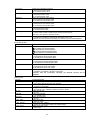
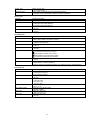
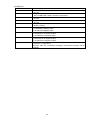
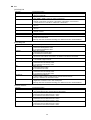
-----------------
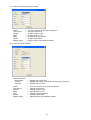
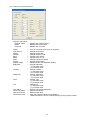
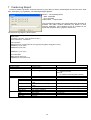
[Search] from the menu. The Search dialogue
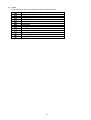
Search by connection type
Search by IP address range
Search by projector power status
Search by error / warning status
Search by lamp hours
Search by filter hours
Search by total operation hours
Search by projector name
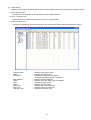
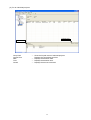
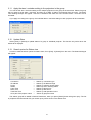
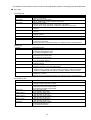
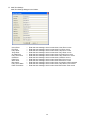
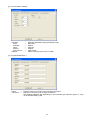
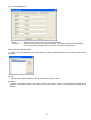
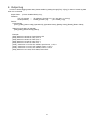
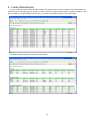
The search group will be added in Search Result tree, when you press [Search] button with given query. The list
of projectors that are matched with your search query will be shown in the Status View.
21