1
3.14
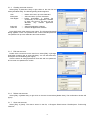
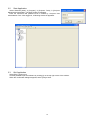
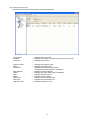
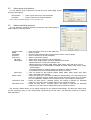
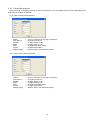
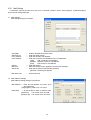
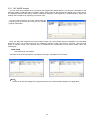
Control the projector
Select [Control]
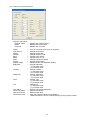
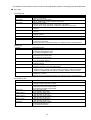
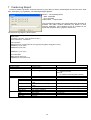
[Projector Control] to control the projector. The controllable functions will be depending upon
what group or projector is selected.
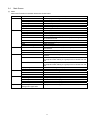
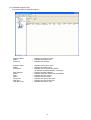
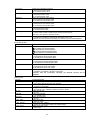
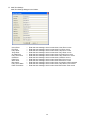
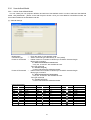
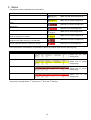
(a) In case of All Projectors selected
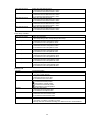
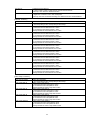
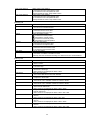
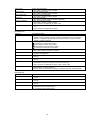
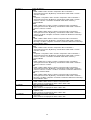
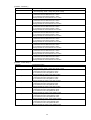
Power
Input Source
Whisper
Blank
Mute
Freeze
Display Image
---------------
Turn on / off power for a group of projectors.
Change input source.
Change whisper mode.
Change blank on / off.
Change sound mute status.
Change freeze status.
Select e-SHOT / MY IMAGE to display.
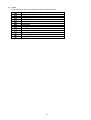
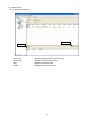
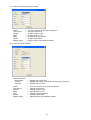
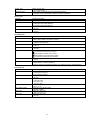
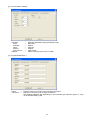
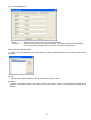
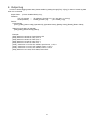
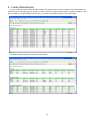
(b) In case of Error/ Warning selected
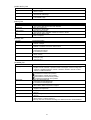
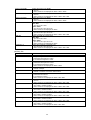
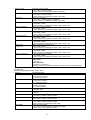
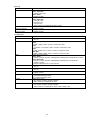
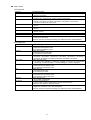
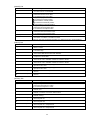
Power
Input Source
Whisper
Blank
Mute
Freeze
Display Image
---------------
Turn on / off power for a group of projectors.
Change input source.
Change whisper mode.
Change blank on / off.
Change sound mute status.
Change freeze status.
Select e-SHOT / MY IMAGE to display.
22