Download Projector Management Application Version 7.00 Instruction Guide
Transcript
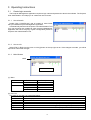
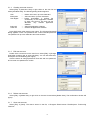
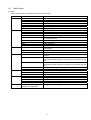
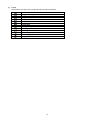
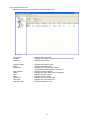
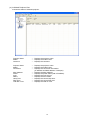
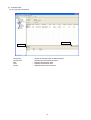
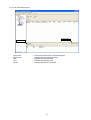
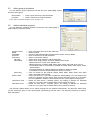
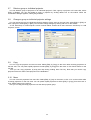
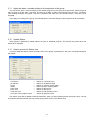
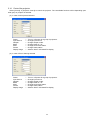
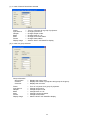
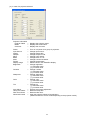
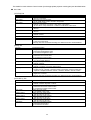
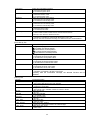
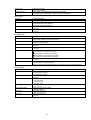
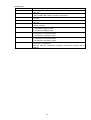
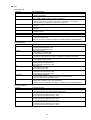
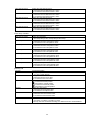
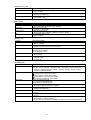
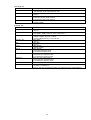
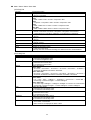
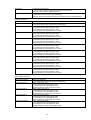
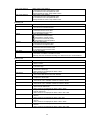
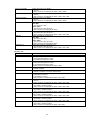
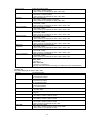
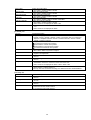
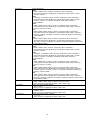
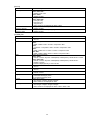
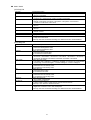
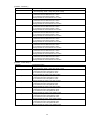
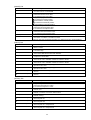
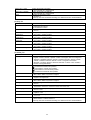
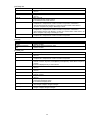
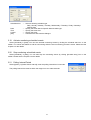
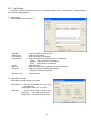
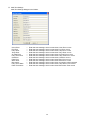
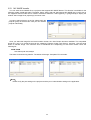
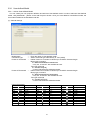
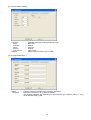
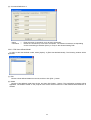
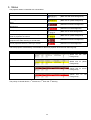
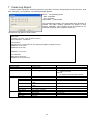
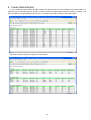
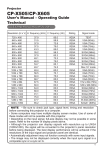
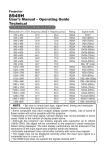
[IMAGE] Tab Function Aspect Over Scan Position H Phase H Size Auto Adjust Reset General Description Setting the Aspect. 4:3 / 16:9 / 16:10 / 14:9 / Normal Setting the Over Scan [-]: Decrease the Over scan value. [+]: Increase the Over scan value. Setting the display position. [ ]: Increase the vertical position. [ ]: Decrease the vertical position. [ ]: Increase the horizontal position. [ ]: Decrease the horizontal position. Setting the clock phase. [-]: Decrease the clock phase value. [+]: Increase the clock phase value. Setting the horizontal size. [-]: Decrease the horizontal size value. [+]: Increase the horizontal size value. Execute Auto Adjust. Initialize the selected Function. Over Scan / V Position / H Position / H Size [Execute]: After the confirmation message, the selected Function will be initialized. [INPUT] Tab Function Progressive Video NR Color Space Component S-Video Format C-Video Format Computer in1 Computer in2 Frame Lock - Computer in1 Frame Lock - Computer in2 General Description Setting the Progressive. Off / TV / FILM Setting the Video NR. Low / Mid / High Setting the Color space. Auto / RGB / SMPTE240 / REC709 / REC601 Setting the Component. Component / Scart RGB Setting the S-Video Format. Auto / NTSC / PAL / SECAM / NTSC4.43 / M-PAL / N-PAL Setting the C-Video Format. Auto / NTSC / PAL / SECAM / NTSC4.43 / M-PAL / N-PAL Setting the Computer in-1 Signal Type. Sync On G Off / Auto Setting the Computer in-2 Signal Type. Sync On G Off / Auto Setting the Frame Lock-Computer in1. Off / On Setting the Frame Lock-Computer in2. Off / On [SETUP] Tab Function Auto Keystone Execute Keystone V Eco Mode Mirror Standby Mode Monitor Out - Computer in1 Monitor Out - Computer in2 Monitor Out - Component Monitor Out - S-Video General Description Execute Auto Keystone. Setting the Keystone V. [-]: Decrease the Keystone V value. [+]: Increase the Keystone V value. Setting the Eco Mode. Normal / Eco Setting the Mirror display. Normal / H Inverse / V Inverse / H&V Inverse Setting the Standby Mode. Normal / Saving Setting the Monitor Out-Computer in1. Off / Computer in1 Setting the Monitor Out-Computer in2. Off / Computer in2 Setting the Monitor Out-Component. Off / Computer in1 / Computer in2 Setting the Monitor Out-S-Video. Off / Computer in1 / Computer in2 43