1
Project No. 004074
NATURNET-REDIME
D.4.2.1
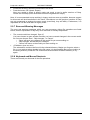
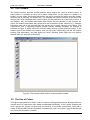
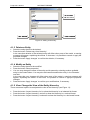
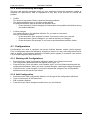
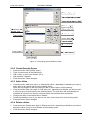
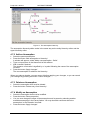
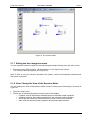
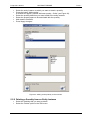
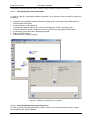
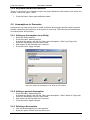
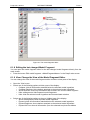
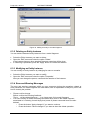
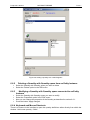
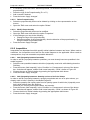
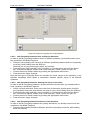
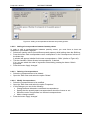
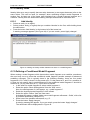
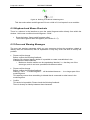
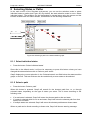
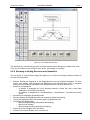
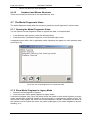
Figure 60. The model fragment Birth shown in legacy mode.
9.7.3 Show Model Fragment in Context
•
•
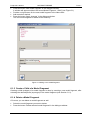
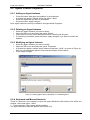
Select the model fragment of interest.
Press the button ‘Show model fragment in context’.
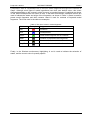
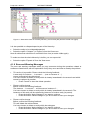
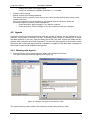
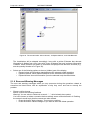
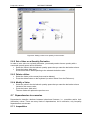
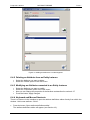
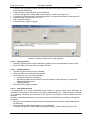
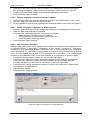
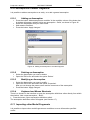
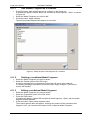
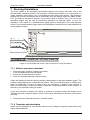
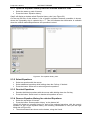
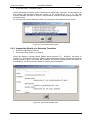
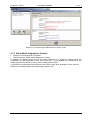
A window will appear which shows the model fragment in a graphical context using the
visualisation of the dependency view (see Figure 61). In this window, the conditions of the
model fragment are shown in red, and the consequences in blue.
It is possible to manipulate the layout and zoom factor of this view, analogous to the way this
works for the dependencies view (described in section 9.6).
104
/ 107