1
Klinkmann Automation S7ETHMPI Server
14
Topic Definition Command
The user provides each connected Siemens S7 PLC with an arbitrary name that is used
as the Topic Name for all references to this PLC.
The following steps are taken to define the Topic attached to the PLC:
1.
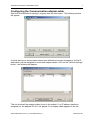
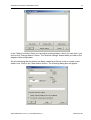
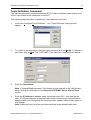
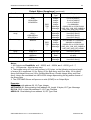
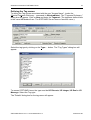
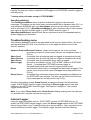
Invoke the Configure/Topic Definition… The "Topic Definition" dialog box will
appear:
2.
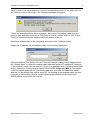
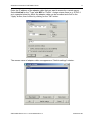
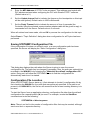
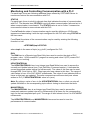
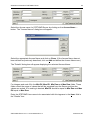
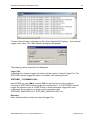
To modify an existing topic, select the topic name and click on Modify. To define a
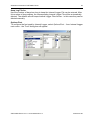
new topic, click on New. The "S7ETHMPI Topic Definition" dialog box will appear:
3.
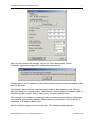
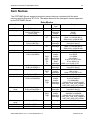
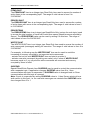
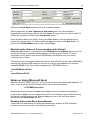
Enter the Topic Name.
Note: If using InTouch the same Topic Name is to be entered in the "Add Access
Name" dialog box described in the Using the S7ETHMPI Server with InTouch
section.
4.
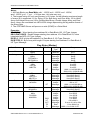
Enter the IP Address of adapter-cable connected to this PLC - this must be the
same IP address assigned to adapter-cable when configuring the communication
adapter-cable, see Configuring the Communication adapter-cable section upper in
this manual.
Note: Additional topics may be associated with the same adapter-cable later.
S7ETHMPI Server Ver 1.x User Manual Rev1.2
470xxm12.doc