1
Klinkmann Automation S7ETHMPI Server
28
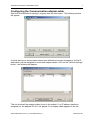
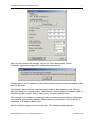
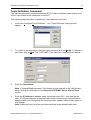
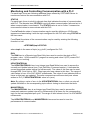
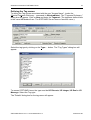
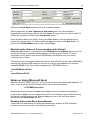
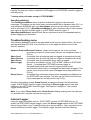
Select the Access name for S7ETHMPI Server by clicking on the Access Name:…
button. The "Access Names" dialog box will appear:
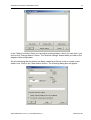
Select the appropriate Access Name and click on Close. (If the Access Name has not
been defined as previously described, click on Add and define the Access Name now.)
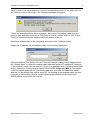
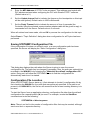
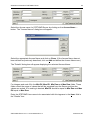
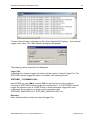
The "Details" dialog box will appear displaying the selected Access Name:
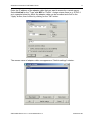
For integers and reals fill in the Min EU, Max EU, Min Raw and Max Raw fields. These
fields control the range of values that will be accepted from the Server and how the
values are scaled. If no scaling is desired, Min EU should be equal to Min Raw and Max
EU equal to Max Raw.
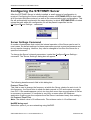
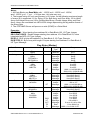
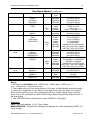
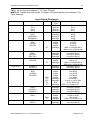
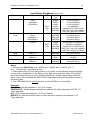
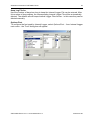
Enter the S7ETHMPI item name to be associated with this tagname in the Item: field in
the "Details" box:
S7ETHMPI Server Ver 1.x User Manual Rev1.2
470xxm12.doc