1
Rampage Remote Client
Icon View
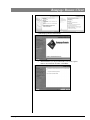
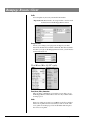
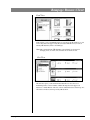
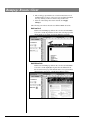
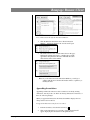
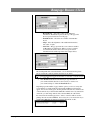
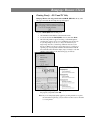
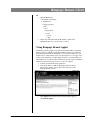
In Icon View you see a thumbnail picture of every Page. In this window, you can
tell if a Page has been Approved (√), Rejected (X) Under Review (no icon) or
Needs your Attention (red box around Page).
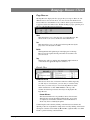
Note: The contextual menu (⌘-click Mac, right click PC) is a shortcut for
changing views, icon size, font, and font size for the Icon view.
List View
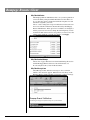
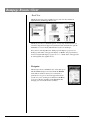
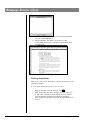
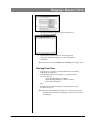
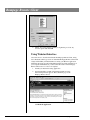
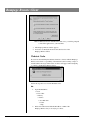
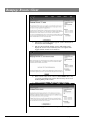
The List view gives you more information than the icon view. You see a
thumbnail picture, revision number, whether the Page has been Approved,
Rejected, or Under Review and a list of Users and their decision on the Page. If a
file name is in red text, the Page needs your attention.
Rampage Remote Client
November 15, 2006
4-21