1
4 SETUP AND PROCEDURE BEFORE STARTING THE OPERATION
MELSEC-Q
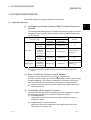
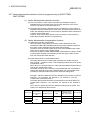
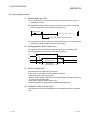
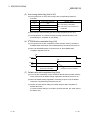
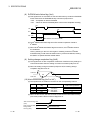
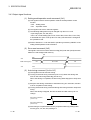
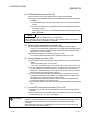
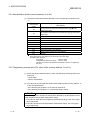
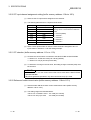
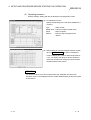
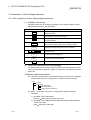
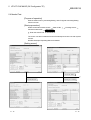
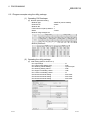
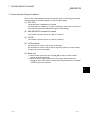
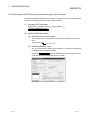
(2) Operating procedure
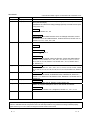
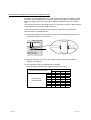
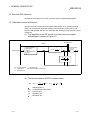
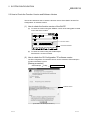
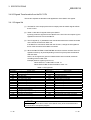
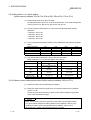
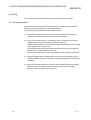
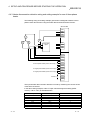
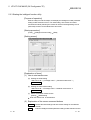
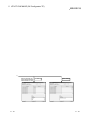
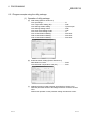
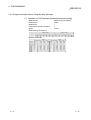
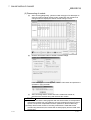
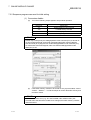
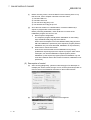
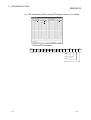
Perform settings, starting with the GX Developer I/O assignment screen.
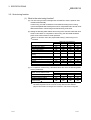
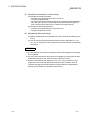
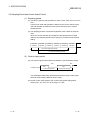
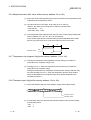
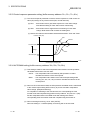
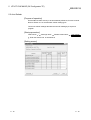
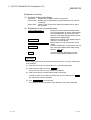
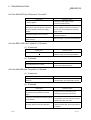
(a) I/O assignment screen
Specify the following for the slot where theQ64TC is
mounted.
Type
: Select "Intelli."
Model name : Enter the module's model name.
Points
: Select 16 points.
Start XY
: Enter the start I/O signal for the
Q64TC.
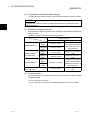
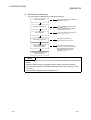
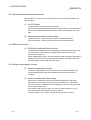
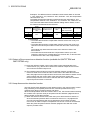
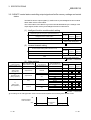
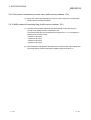
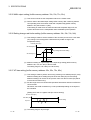
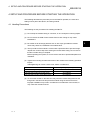
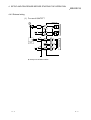
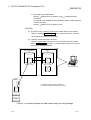
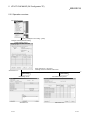
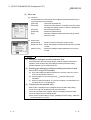
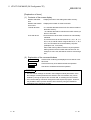
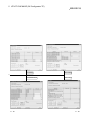
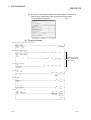
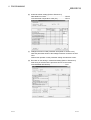
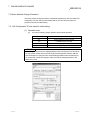
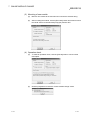
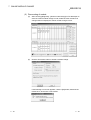
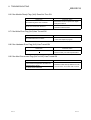
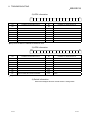
(b) Switch setting for I/O and intelligent function module
Click on Switch Setting on the I/O assignment
screen to display the screen at left and set switches
1 to 5. The setting can easily be done if values are
entered in hexadecimal. Change the input format to
hexadecimal and enter values.
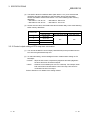
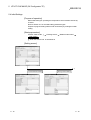
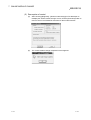
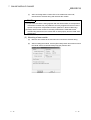
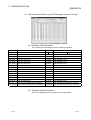
REMARK
You need not set the "error-time output mode" and "hardware error-time CPU
operation mode" in the intelligent function module detailed setting as they are invalid
for the Q64TC.
4 - 13
4 - 13