1
142
LAW PreDiscovery
Creating Reports
Running Searches
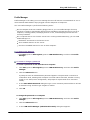
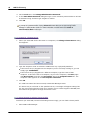
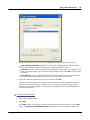
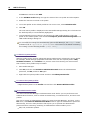
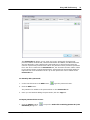
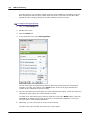
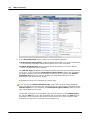
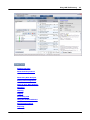
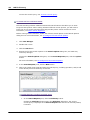
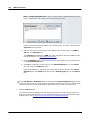
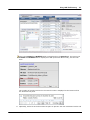
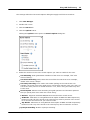
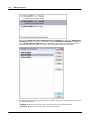
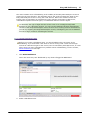
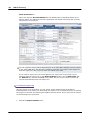
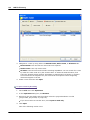
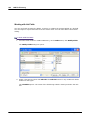
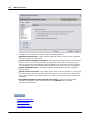
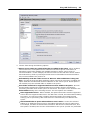
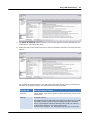
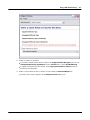
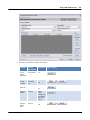
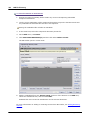
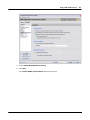
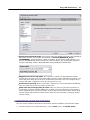
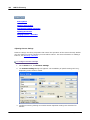
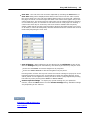
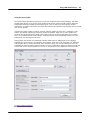
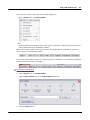
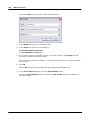
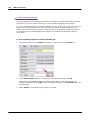
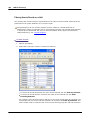
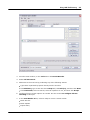
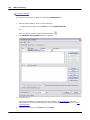
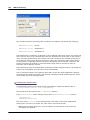
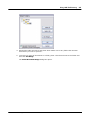
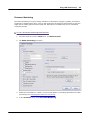
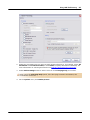
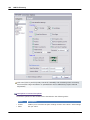
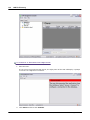
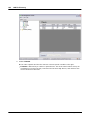
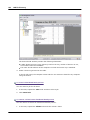
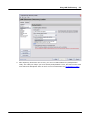
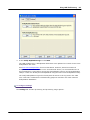
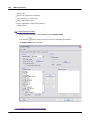
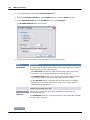
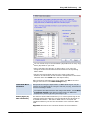
In Early Data Analyzer, you can run new and saved searches against a case's filtered records
from the Search Request pane on the Search tab. New searches are run by entering a search
query and clicking the Search button. Saved searches are run from the Searches tab in the
Search Request pane by clicking a saved search or searches and then clicking the Run Searches
button. You can run multiple saved searches simultaneously in Early Data Analyzer.
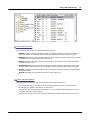
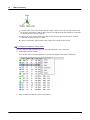
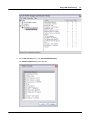
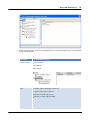
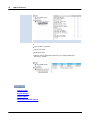
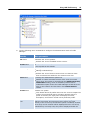
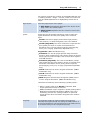
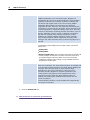
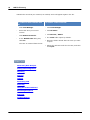
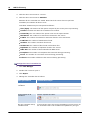
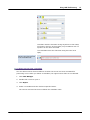
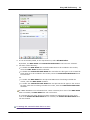
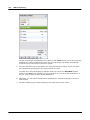
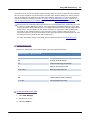
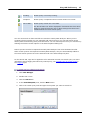
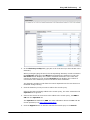
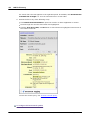
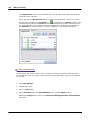
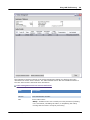
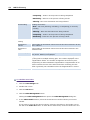
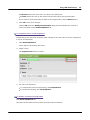
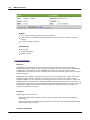
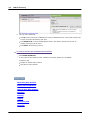
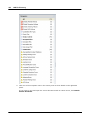
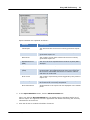
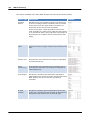
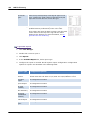
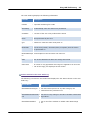
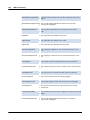
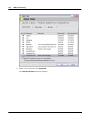
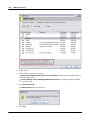
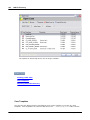
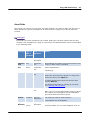
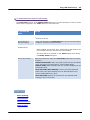
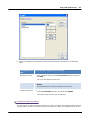
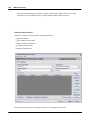
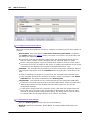
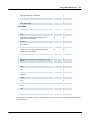
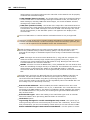
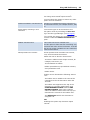
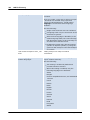
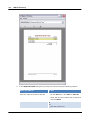
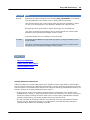
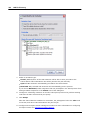
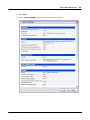
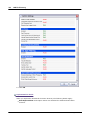
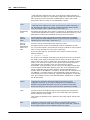
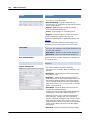
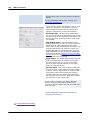
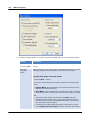
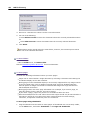
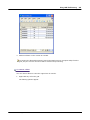
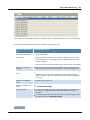
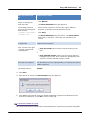
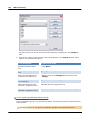
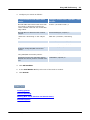
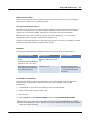
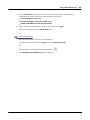
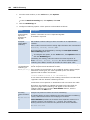
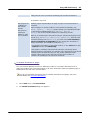
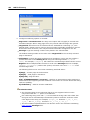
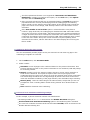
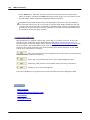
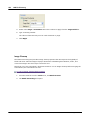
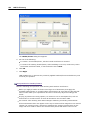
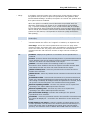
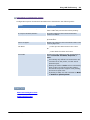
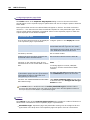
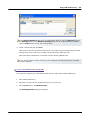
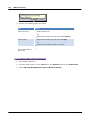
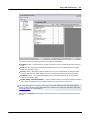
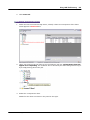
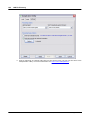
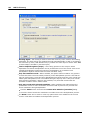
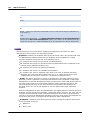
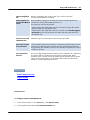
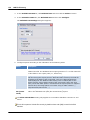
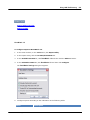
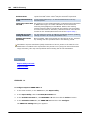
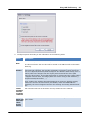
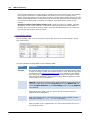
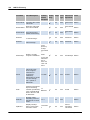
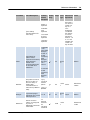
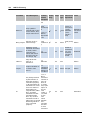
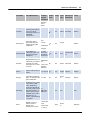
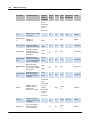
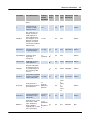
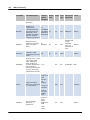
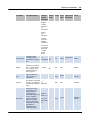
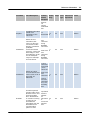
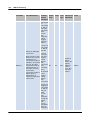
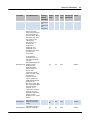
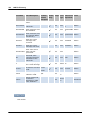
The Status column on the Searches tab indicates the current status for each saved search. The
following key shows the different statuses available for saved searches:
Search Status Icon Key
Search Status Icon Key
Icon
Name
Description
New
Search query is new and has not run yet.
© 2015 LexisNexis, a division of Reed Elsevier Inc. All rights reserved.