1
Return to Table of Contents
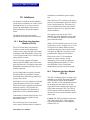
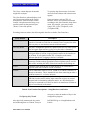
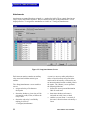
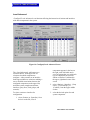
independent of any particular port. Because
most of the columns are the same for each
function, they will only be described once.
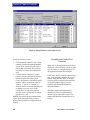
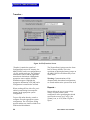
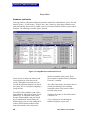
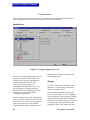
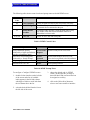
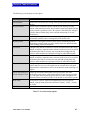
{Type} displays an icon showing the
assigned function.
{Index} displays an internally assigned
index that is assigned to each of these
operations.
Checking the {Available} box for any of
these functions makes these functions
available for configuration via the
<Configure> menus.
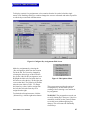
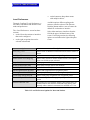
The {Information} column displays only
when the {Control} labels button is selected.
This column displays the GPI inputs
assigned to control labels.
Talk and listen labels are used in the same
manner as they are used with {Ports}.
MicroMatrix User Manual
51