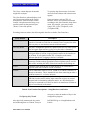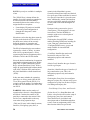
1
Return to Table of Contents
Key Assignments
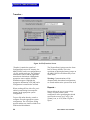
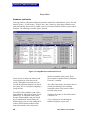
Labels are assigned to intercom selector keys on intercom stations and accessory panels through
the <Key Assignments> screen. Station selector keys can be assigned four talk labels and one
listen label. Accessory panel selector keys can be assigned one talk and one listen label (with the
limitations described below).
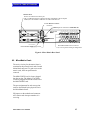
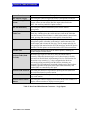
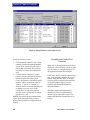
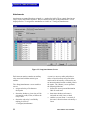
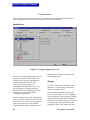
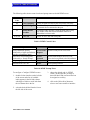
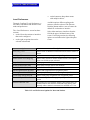
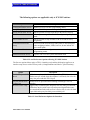
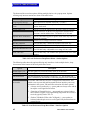
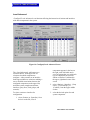
Figure 14: Configure|Key Assignments Screen
Follow these steps to assign a label to a
selector key on a station or accessory panel.
1. Locate the station to modify on the left
side of the screen.
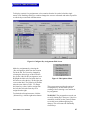
2. Double click the station to bring up the
edit screen. The label and icon of the
station selected for key assignment is
displayed to the right of the [Select
56
New] button. A list of available labels
appears on the left side of the screen. In
the {Select Label for Key Assignment}
box, select the label type.
3. The {Selector Key} column to the right
of the station list displays a list of all
main keys as well as swap keys
(available on ICS-2003 stations) and
accessory panels (if any).
MicroMatrix User Manual