1
LAFTM5
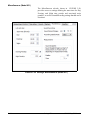
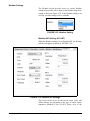
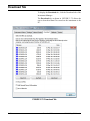
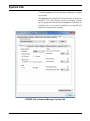
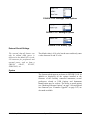
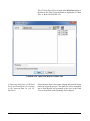
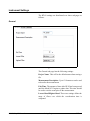
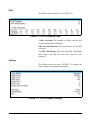
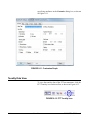
The LAFTM5 setting will only be enabled when the Period
is set to 5 s or slower and the "Takt Maximal Data" setting is
checked on the System->Preferences sup-tab.
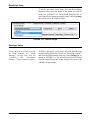
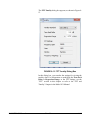
Advance Settings
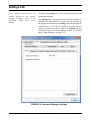
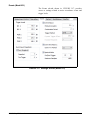
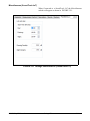
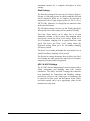
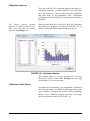
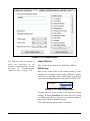
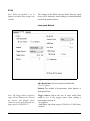
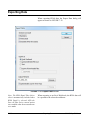
The Weather settings will be
disabled if the Weather setting on the
Weather sub-tab is set to None. Also,
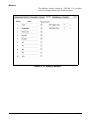
the Preamp settings will only be
enabled when a 426A12 or
PRM2103 is attached to the
instrument.
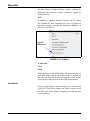
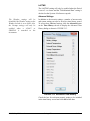
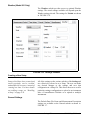
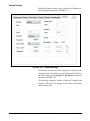
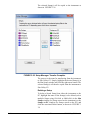
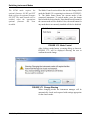
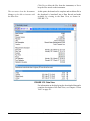
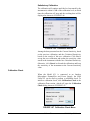
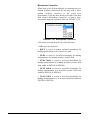
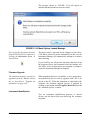
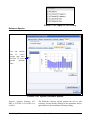
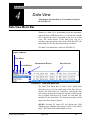
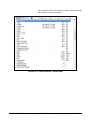
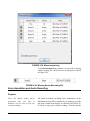
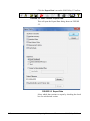
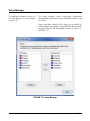
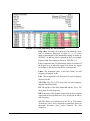
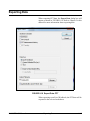
In addition to the acoustic settings, a number of non-acoustic
and system settings can also be saved in a time history record.
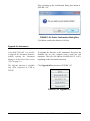
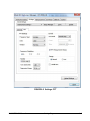
To access these additional settings, click the Advanced button
on the Time History sub-tab to display the Advanced Time
History dialog as shown in FIGURE 3-13.
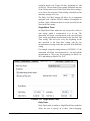
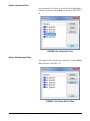
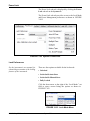
FIGURE 3-13 Advanced Time History
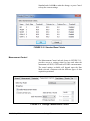
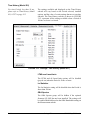
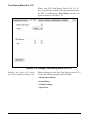
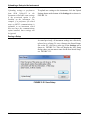
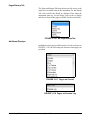
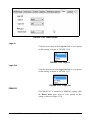
Check the box for each non-acoustic setting to be included
in the time history record and click OK when done.
SLM Utility-G3 Manual
Settings Tab
3-11