1
Selecting Files to Download
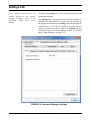
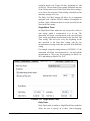
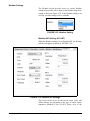
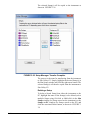
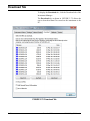
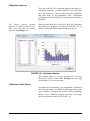
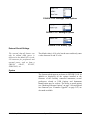
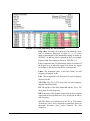
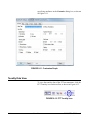
The initial list of files available to download will be limited
to the data files stored in the same mode the instrument is
currently running. (i.e. if the instrument is in SLM mode,
only SLM data files will be displayed.) To see all files for all
modes, check the Show All Files check box.
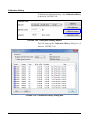
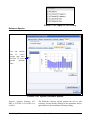
The user may choose which files to download by selecting
one or more individual files, or by selecting all files. Note
that when showing all files and selecting more than one file
to download, only files that share the same mode may be
downloaded together in the same batch.
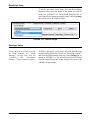
Selecting a File
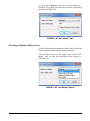
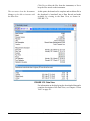
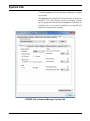
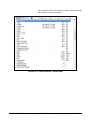
To choose a file to download, simply click the filename in
the list to select the desired file. Multiple files may be
chosen by using Ctrl-click to select each individual file or by
using Shift-click to select a block of files.
Selecting All Files
When selecting multiple data files,
all files selected will be downloaded
into a single download file with each
data file becoming a Data Record
within the downloaded file.
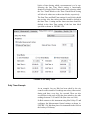
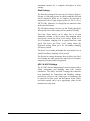
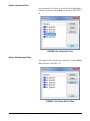
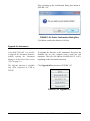
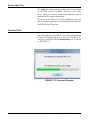
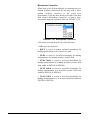
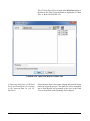
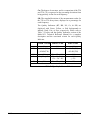
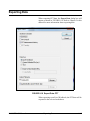
Clicking the Select All button will highlight all the files that
were stored in the same mode as the current instrument
mode. The button will toggle to Deselect All which, when
clicked, will deselect all highlighted files.
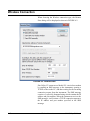
Add General Record Information
The general record information
added to the downloaded records
can be edited later as described in
the section "Edit of General Record
Information" on page 4-4.
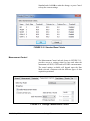
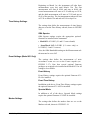
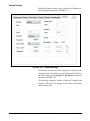
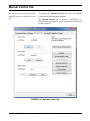
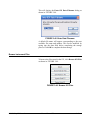
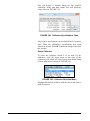
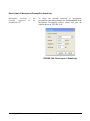
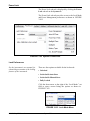
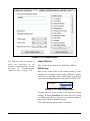
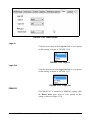
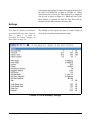
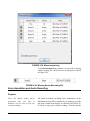
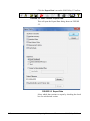
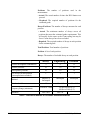
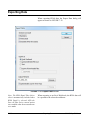
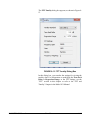
By checking the Add General Record Information check box
prior to initiating the download, the user will be able to add
some general record information to each file that is
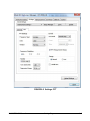
downloaded, as shown in FIGURE 3-74.
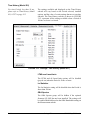
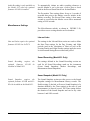
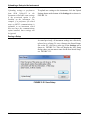
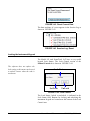
Same Information for All Records
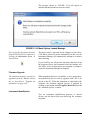
If the general record information being entered is applicable
to all the files in the download, the user may elect to check
the Use for all Downloaded records? check box. This will
apply the same information entered here to the current file
and all subsequent files so that the Add General Record
Information dialog will not be displayed for the remaining
files in the download.
SLM Utility-G3 Manual
Download Tab
3-59