1
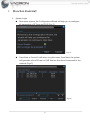
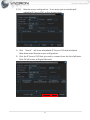
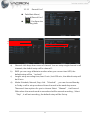
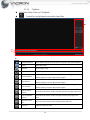
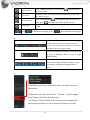
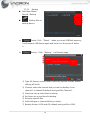
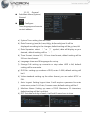
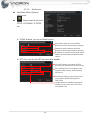
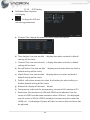
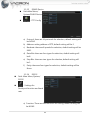
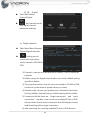
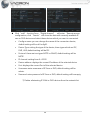
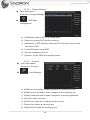
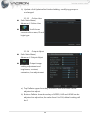
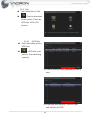
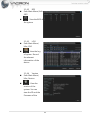
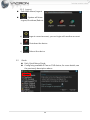
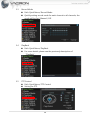
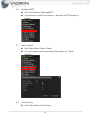
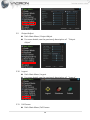
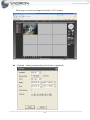
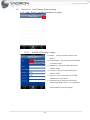
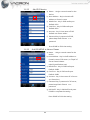
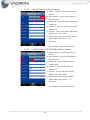
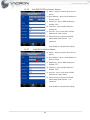
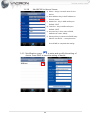
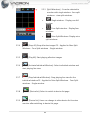
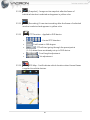
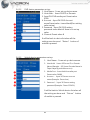
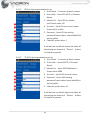
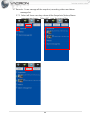
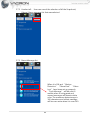
c) EMAIL: You can use Email function when you check it. ❶ ❷ ❸ ❹ ❺ ❻ ❼ ❽ 1) SMTP Server: enter SMTP of the mail. For example, gamil will enter 2) 3) 4) 5) 6) 7) 8) 9) smtp.gmail.com; default setting will be Your SMTP Server. Port: enter Port of the mail. For example, gamil will enter 465; default setting will be 25. Need SSL: if mail box support this function that you must check. For example, gamil must check; default setting will be uncheck. User Name: enter box account of mail. Password: enter password of mail box. Sender: enter Sender. Receiver: enter receiver’s mail account. Title: the subject will display after you mail; default setting will be Alarm Message. Complete setting, press OK, will go back to EMAIL setting page, you can do mail testing to make sure all correct. d) IP EILTER: You can use this function after enable. Restricted Type: you can choose blacklist or whitelist. Blacklist: It will disable for remote monitor after add IP address. Whitelist: It will disable for remote monitor after add IP address. To erase IP, check the IP address and click delete, the IP will be deleted. 17