1
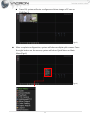
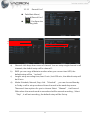
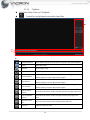
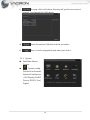
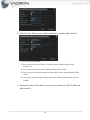
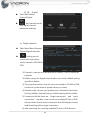
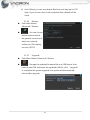
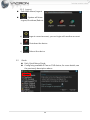
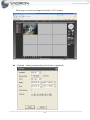
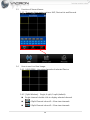
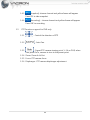
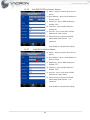
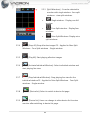
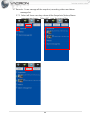
Press “Repeat Loop Play” will become
Repeat button
repeat loop play.
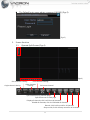
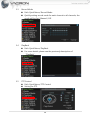
Press Full screen, the image will be largest and press again will
Full screen
go back to normal.
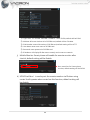
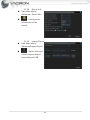
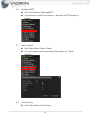
scissors button
USB button
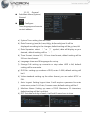
Press
, same file will be
Press Cut will become . Selecting how long you want and
press again
. It will back up the file which you cut.
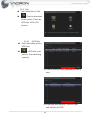
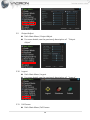
This function will be used when you use Cut function. It can copy
to USB
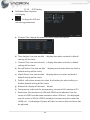
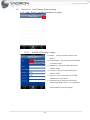
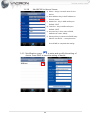
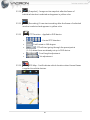
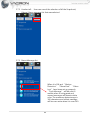
to switch to time page, press
again will back to date page.
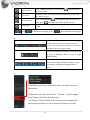
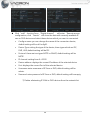
b)
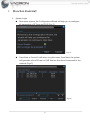
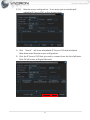
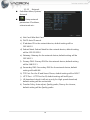
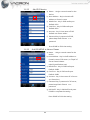
Time bar shows green means normal record; red
means alarm record; yellow means manual
record; it will playback according to your setting.
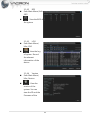
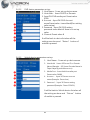
The default set up will be all check.
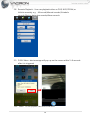
Check this function and press pause then will
be Sync; if uncheck, there is only a single
channel effect.
You can select a more precise playback time for
current view, select 24 hours, 2 hours, 1 hour,
30 minutes; the default setting will be 24
hours.
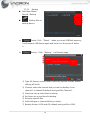
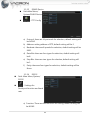
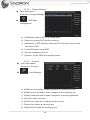
c)
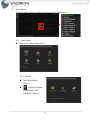
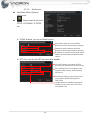
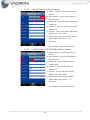
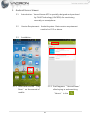
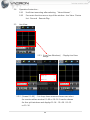
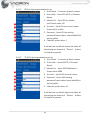
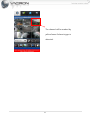
It will shows sub menu when you press the right button on
the mouse.
UpWindow: click this will back to “Record” function page.
Stop Playing: click this will stop play.
Full Screen: click this will pull the screen to the largest and
press the right button on the mouse will back to normal.
11