1
Zaxcom QRX 100
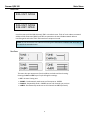
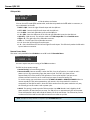
Main Menu
Main Menu
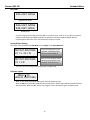
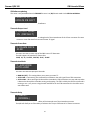
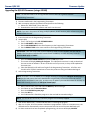
Navigating the Main Menu
• To enter the Main Menu press the Menu button.
• To advance to the next menu press the MENU Button again.
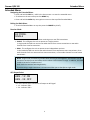
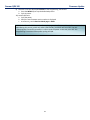
Exiting the Main Menu
• To exit the menu at any time press and hold the MENU button for 1.5 seconds.
Or
• Cycle through the Menu items.
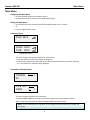
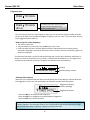
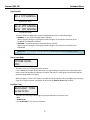
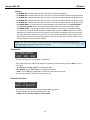
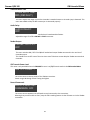
Frequency Select
CH A 567.4
Single Receiver Mode
CH A> 567.4
CH B 570.0
Dual Receiver Mode
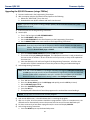
This menu changes the receive frequency for each receiver.
• Press the INC key and DEC key to adjust the frequency
• In dual receive mode pressing the A/B key will alternate which frequency you will be adjusting.
The > will indicate the frequency being adjusted.
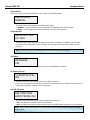
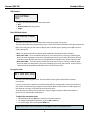
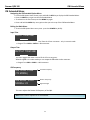
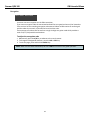
Transmitter Gain Adjustment
TXGAIN
29
I
I
Single Receiver Mode
TX B 29
GAIN
I
I
I
I
Dual Receiver Mode
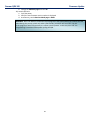
This menu changes the gain of the transmitter.
Pressing the INC or DEC key increases or decreases the gain on the associated transmitter.
When in dual mode pressing the A/B key changes between the two receivers.
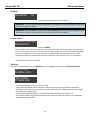
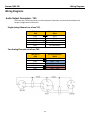
NOTE: The Unit Code must be set properly for this page to send commands to the proper TRX
transmitter.
8