1
360
Series 5 Accounts Receivable- User Help
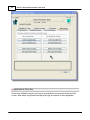
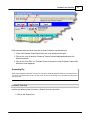
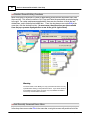
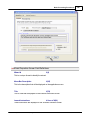
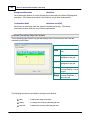
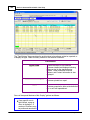
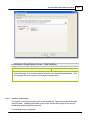
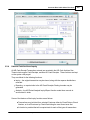
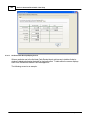
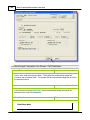
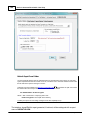
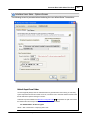
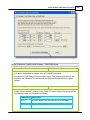
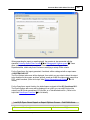
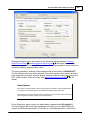
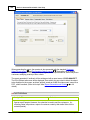
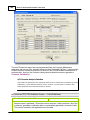
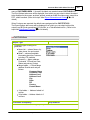
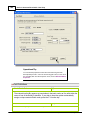
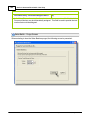
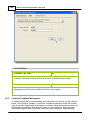
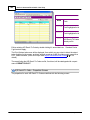
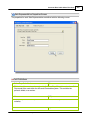
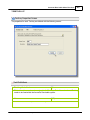
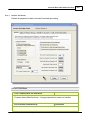
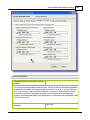
Sales Analysis by Customer - Options Screen
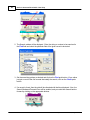
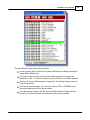
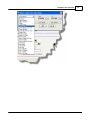
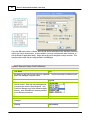
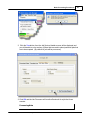
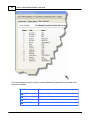
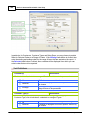
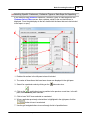
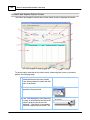
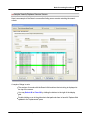
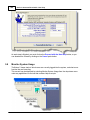
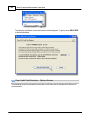
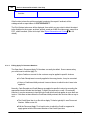
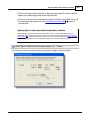
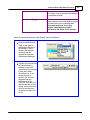
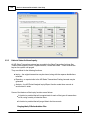
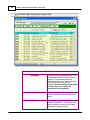
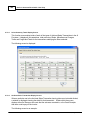
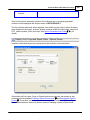
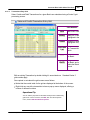
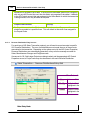
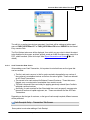
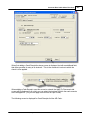
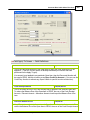
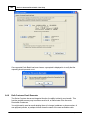
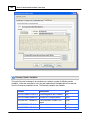
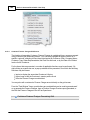
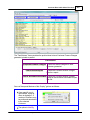
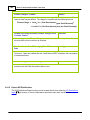
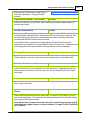
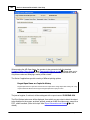
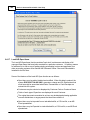
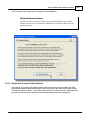
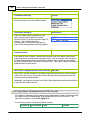
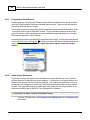
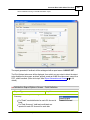
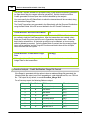
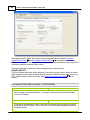
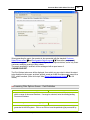
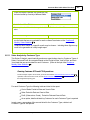
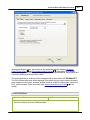
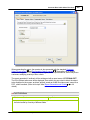
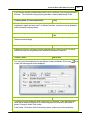
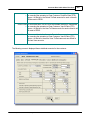
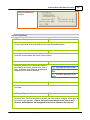
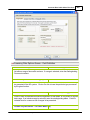
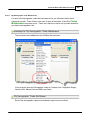
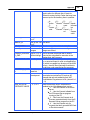
The following screen is presented when generating the report:
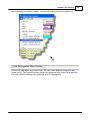
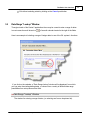
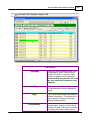
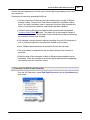
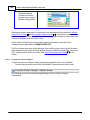
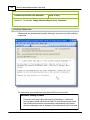
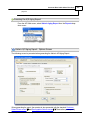
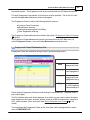
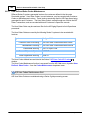
When generating the report, the operator is also presented with the standard Customer
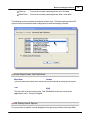
Select Filters screen 103 and Demographic Selects screen 108 . These allow you to specify
selected or ranges of Customers, Customer Types, Sales Representatives, and/or only those
customers satisfying a variety of filter criteria.
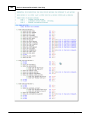
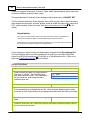
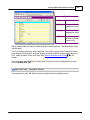
The report generated, if archived, will be catalogued with a report name of CUSTANAL.RPT.
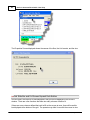
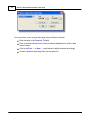
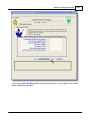
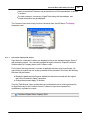
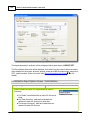
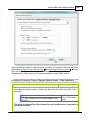
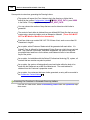
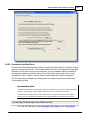
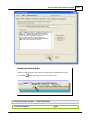
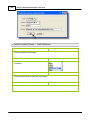
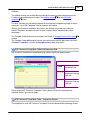
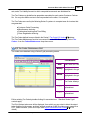
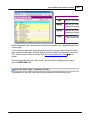
The Print Options tab screen will be displayed, from which you can select to direct the output
to be displayed to the screen, archived, printed, saved as an MS Word document, saved as a
PDF, and/or emailed. (Refer to the topic titled Report Generation and Printing 111 for full
details).
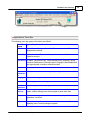
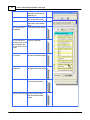
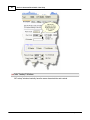
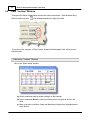
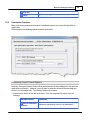
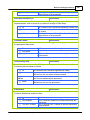
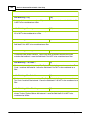
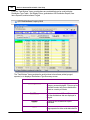
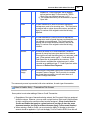
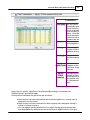
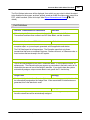
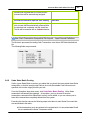
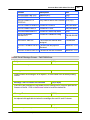
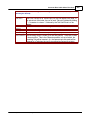
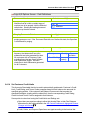
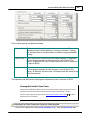
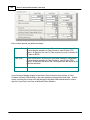
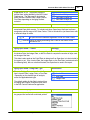
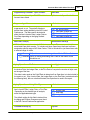
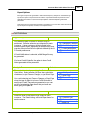
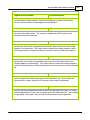
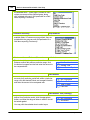
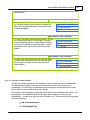
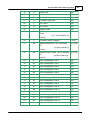
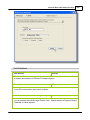
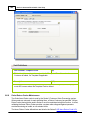
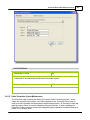
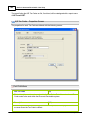
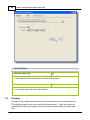
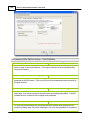
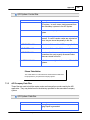
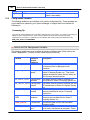
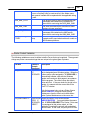
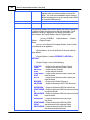
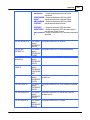
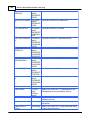
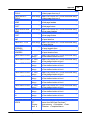
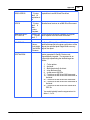
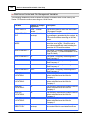
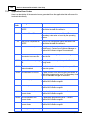
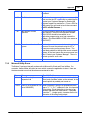
Field Definitions
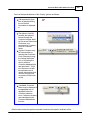
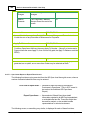
Customers Sort
drop-list
© 2007 - 2014 by Sentinel Hill Software, all rights reserved