1
302
Series 5 Accounts Receivable- User Help
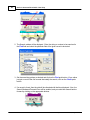
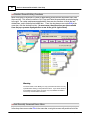
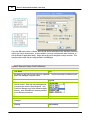
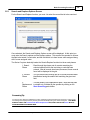
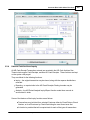
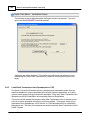
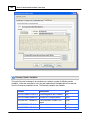
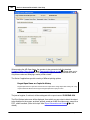
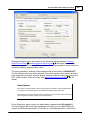
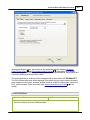
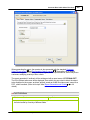
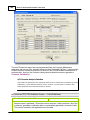
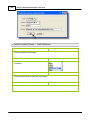
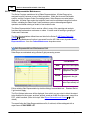
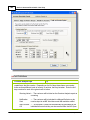
selected either by Company name or be Customer code.
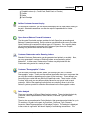
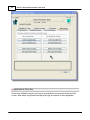
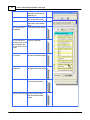
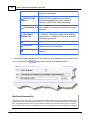
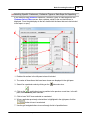
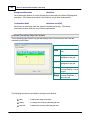
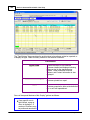
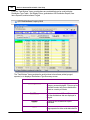
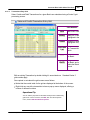
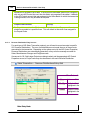
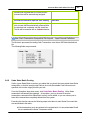
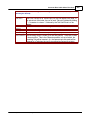
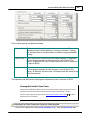
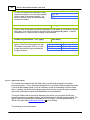
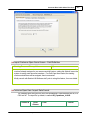
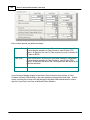
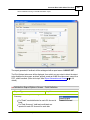
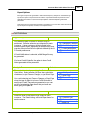
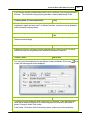
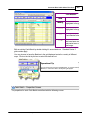
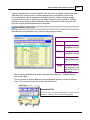
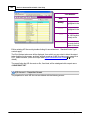
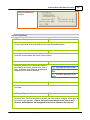
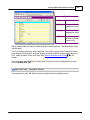
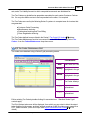
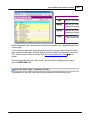
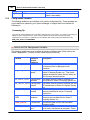
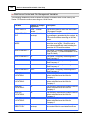
From the "Fast Buttons" frame, push buttons are provided that can be used to have Open
Items Added, Modified and Deleted. Also, a list of Open items may be generated; and Open
Items may be Imported or Exported to an MS Excel spreadsheet.
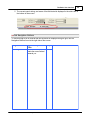
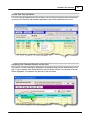
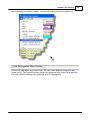
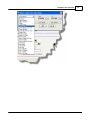
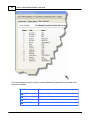
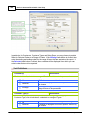
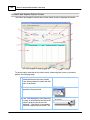
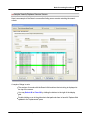
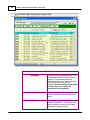
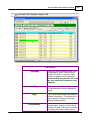
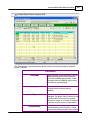
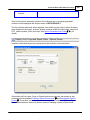
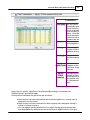
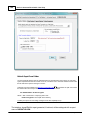
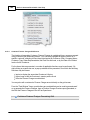
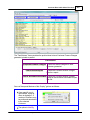
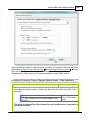
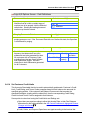
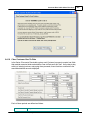
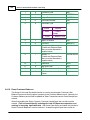
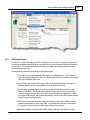
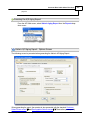
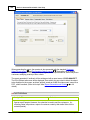
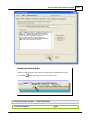
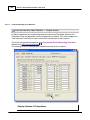
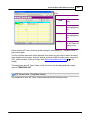
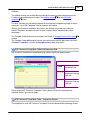
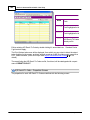
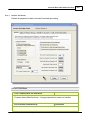
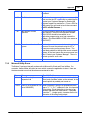
Customer Open Item Load Grid
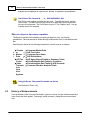
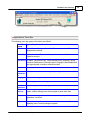
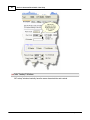
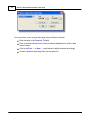
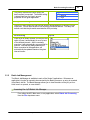
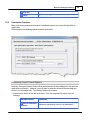
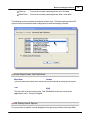
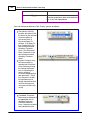
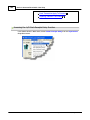
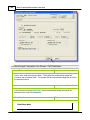
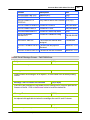
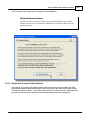
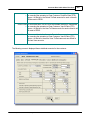
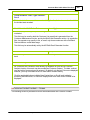
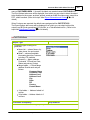
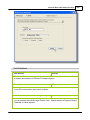
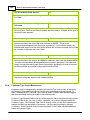
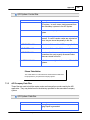
The "Fast Buttons" frame provides the push buttons to have items printed or exported, or
to display an Aged Totals Summary screen for the selected Customer.
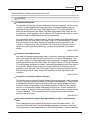
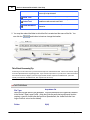
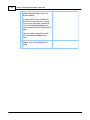
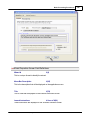
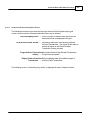
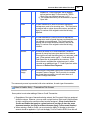
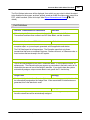
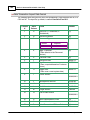
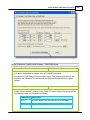
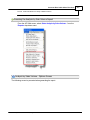
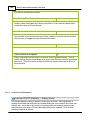
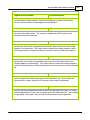
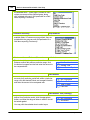
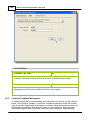
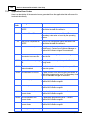
"Fast Buttons"
New
Add a new Open Item
Modify
Modify the Open Item highlighted in the grid
Delete
Delete the Open Item highlighted in the grid
Print
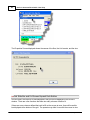
Generate a report listing Open Items for selected Customers,
based on a variety of different filters
Import
Imports Open Items from a spreadsheet
Export
Export selected Customers' Open Items to a spreadsheet
© 2007 - 2014 by Sentinel Hill Software, all rights reserved