1
Universal Mechanism 5.0
52
Getting Started
Comparison of results
Let us compare the simulation results with the previously saved data and make
sure that the different variants of description of joints between subsystems
(fig. 1.7, scheme A and scheme B) give identical results.
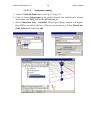
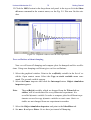
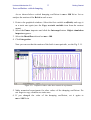
We will plot the Y displacement of the last two pendulums and compare them
with the data from the file of calculated variables ninelinkpend.tgr and the plots
saved in the text file results.txt.
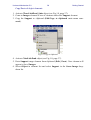
27. Select Object/Simulation menu item. UM Simulation program starts and
loads the current model. If autosave of configuration option is enabled, previously created animation and graphical windows will be opened. One can use
Autosave tab of the Options window (main menu Tools | Options) to enable
autosave options.
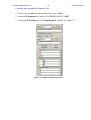
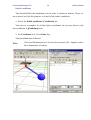
28. From the Analysis menu, select Simulation. Object simulation inspector appears.
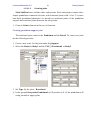
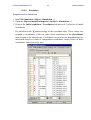
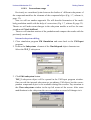
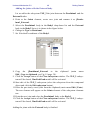
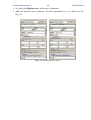
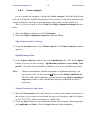
29. Point to the Initial conditions | Coordinates tab. If autosave of initial conditions option is enabled, previously values will be used. Set 0.1 value for all the
uncut joints as it is shown in the figure below if not.