1
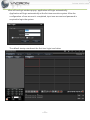
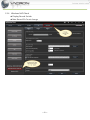
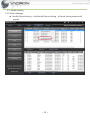
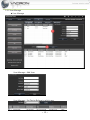
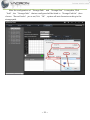
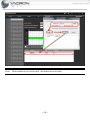
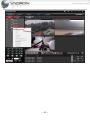
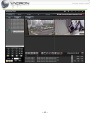
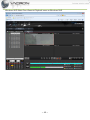
All available IP CAMs are listed in this section, parameter setting and playback
in live-view window can be configured here. By right-click on IP CAM, the
chosen IP CAM can do AVI recording and image Capture.
Section 4
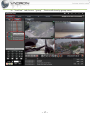
Different Split modes of Live-View can be chosen in this section. Switch between different
pages of Live-View can be configured here, too.
Section 5
Create Preset Point and adjust Focus of IPCAMs with PTZ feature can be done in this
section.
Section 6
This section can display real-time feedback and message of Windows NVR log.
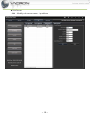
3.2 IP CAM Add、Edit、Delete IPCAM
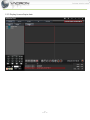
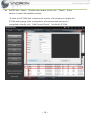
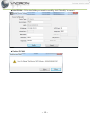
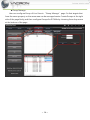
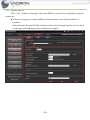
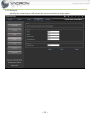
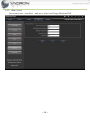
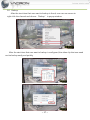
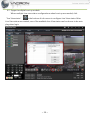
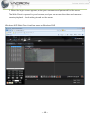
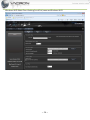
Device Manage:click “Set” button on top of the window , then click “Device Manage” to
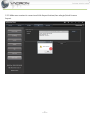
access IP CAM search page.
~9~