1
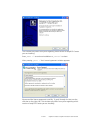
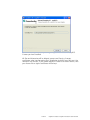
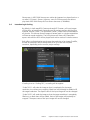
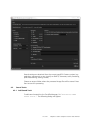
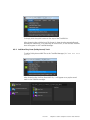
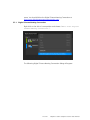
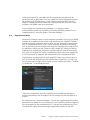
file itself is encrypted (which is strongly recommended), enter the password for
this key file, otherwise leave this field empty.
To make sure all certificates and the certificate chain is valid please refer to the
documents “SMPTE 430-2 D-Cinema Operations: Digital Certificate” and
“Compliance Test Plan”, which you can find at http://www.dcimovies.com/. It
is very important to fulfill these specifications, otherwise problems may occur
during ingest or playback of the package.
8
Opening DCPs
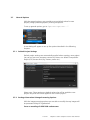
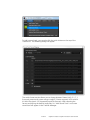
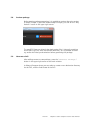
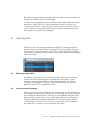
With the function for opening packages the easyDCP Creator(+) provides a
powerful feature to apply changes to existing DCPs fast and easily. With this
function you are able to open your own DCPs or third party DCPs and deploy
any changes e.g. adding subtitles, adding sound tracks, adding and rearranging
reels and so forth.
8.1
Editing an opened DCP
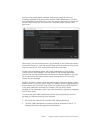
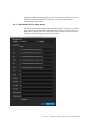
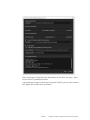
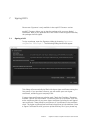
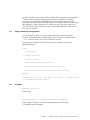
An opened unencrypted DCP can be edited just like a DCP that is built from
scratch. Some restrictions apply on encrypted DCPs (see below). It is also
possible to save the opened DCP and the deployed changes as a Project
(*.dcpproj) in the easyDCP Creator(+). From the edited DCP, you can then
generate a new DCP or a supplemental DCP.
8.2
Saving an opened package
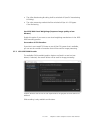
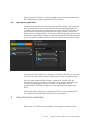
When you have opened a package and just make changes on the metadata of
the package, you don’t have to generate a new package, you can also just save
your changes to the existing one. Changes of the metadata include the offset,
duration and annotation text of reels, rearranging, deleting and adding reels,
renaming, deleting and adding compositions. To save the changes, choose
“Save Package” in the file menu. If saving is not possible and re-encoding of
the whole DCP is necessary, an error message will appear.
55 of 61
easyDCP Creator / easyDCP Creator+ User Manual