1
74
Operator10 Help
Operator10 - Wastewater Data Structure - Advanced
Advanced Data Structure
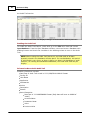
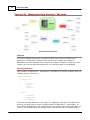
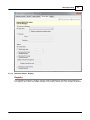
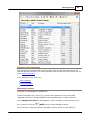
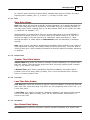
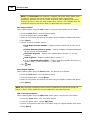
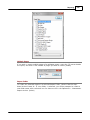
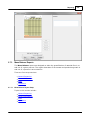
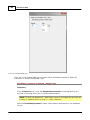
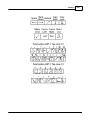
Diagram
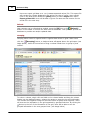
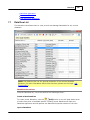
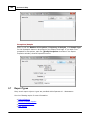
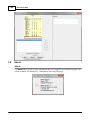
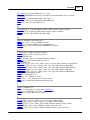
The above diagram illustrates a hypothetical server which has four instances of
Operator10 - Wastewater installed. Each instance can contain any number of
databases, and each database can contain any number of facilities. Ultimately, these
facilities serve as grouping mechanisms for the underlying data in the database.
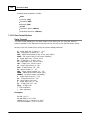
Directory Structure
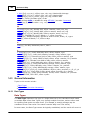
Each instance of Operator10 - Wastewater is installed to the target computer with the
following directory structure:
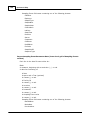
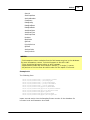
\\[PC]\[TARGETDIR]\
|
---Application\
|
|
|
---lst\
|
---rpt_dll\
|
---lbl\
|
---manuals\
|
|
---Data\
|
---License\
---SampleData
---[NAMED_DB]\
There are two main branches in this structure, Application and Data. The Application
directory will be present in every installed instance of Operator10 - Wastewater, as
this is where all application files, dependencies, and support files to the application are
located. The Data directory will only be found on those machines that serve data to
© 2014 AllMax Software, Inc.