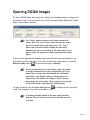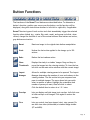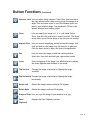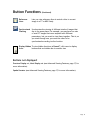
1
Reviewing Images
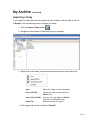
Once you have opened the study, you can review it in the Reveal™ viewing window.
To start, window and level will default to your right mouse
key (hold and drag across the image on an angle). To zoom,
click and drag with the left mouse key. Use the wheel on the
mouse to toggle between images in the series.
When you have finished reviewing your study, right-click the Patient tab.
You can then click Close, or click the My Archive tab to open a new study.
Page 11