1
Introduction
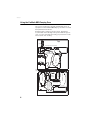
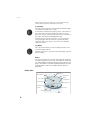
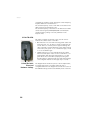
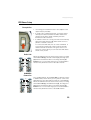
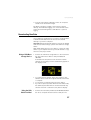
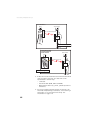
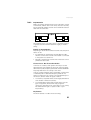
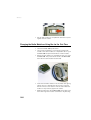
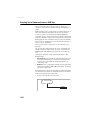
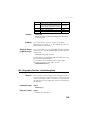
• Remove the battery door, accessible from underneath the
ProMark 800, by loosening the two quarter-turn screws
(see picture) using a coin.
• Keeping one hand on the battery still in its compartment,
put the ProMark 800 the right way up. The battery will
then easily slide out of the battery compartment.
Charging the
Battery
16
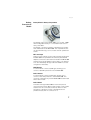
The battery charger comes with a separate universal AC
adapter fitted with a 1.5-m output cable. The AC adapter
includes a choice of four different, detachable plug types.
Follow the instructions below to operate the charger.
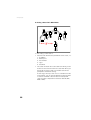
• Choose the plug type that is suitable for your country.
• Secure that plug on the AC adapter by giving the plug the
right orientation with respect to the adapter, then pushing
and rotating it by about 10 degrees clockwise until you
hear a “click”.
• Connect the cable from the AC adapter to the battery
charger.
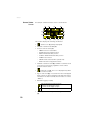
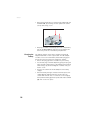
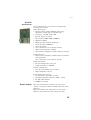
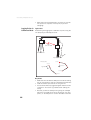
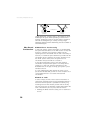
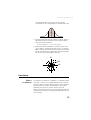
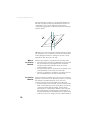
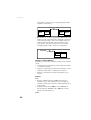
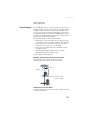
• Give the battery the right orientation with respect to the
charger [1] (the battery terminals should come into
contact with the two sets of connectors on the charger),
then push the battery against the plate and slide it forward
[2] until it locks into place.