1
Query Command Library
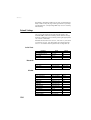
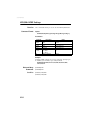
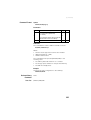
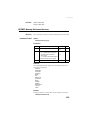
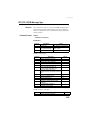
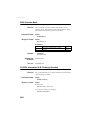
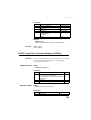
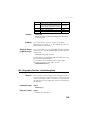
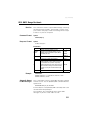
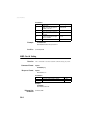
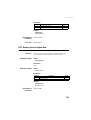
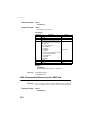
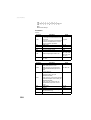
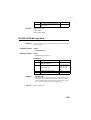
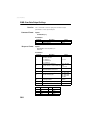
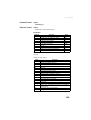
Parameters
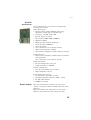
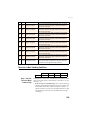
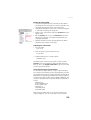
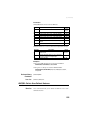
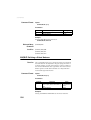
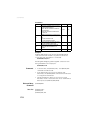
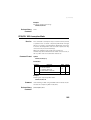
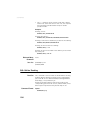
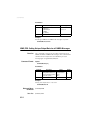
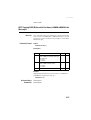
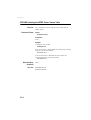
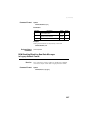
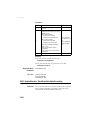
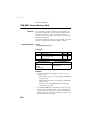
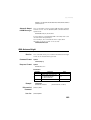
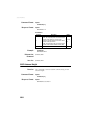
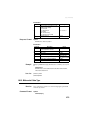
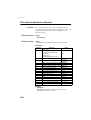
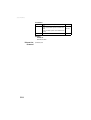
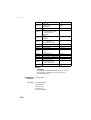
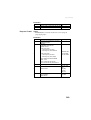
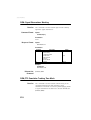
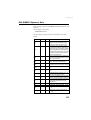
Parameter
s1
d2
d3
Description
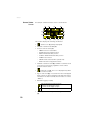
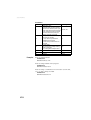
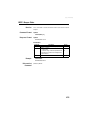
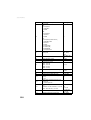
Current operating mode:
• BAS: Base
• ROV: Rover
• BKP: “Hot Standby RTK”, also called “Backup
mode” (rover computing two RTK positions)
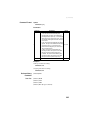
Constellations currently used if the receiver is
defined as a base:
• 0: GPS, GLONASS, SBAS (default mode)
• 1: Only GPS and SBAS
• 2: Only GPS and GLONASS
• 3: Only GPS
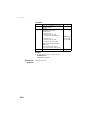
Position mode.
If BAS is the selected operating mode:
• 0: Static position
• 1: Moving position
If ROV is the selected operating mode:
• 0: means rover works with a static base
• 1: means rover works with a moving base
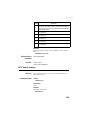
Input port for backup mode:
• A: Serial port
• C: Bluetooth port
• D: Radio
• E: Modem
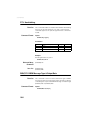
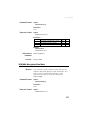
Checksum
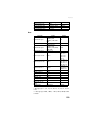
c4
*cc
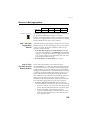
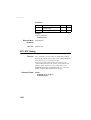
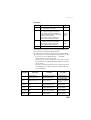
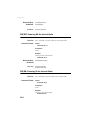
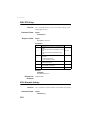
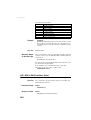
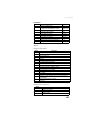
Range
BAS, ROV,
BKP
0-3
0-1
A, C, D, E
*00-*FF
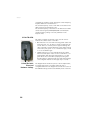
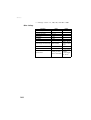
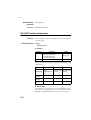
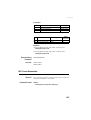
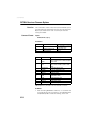
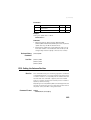
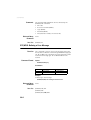
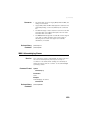
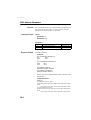
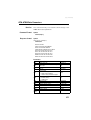
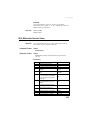
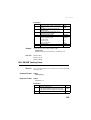
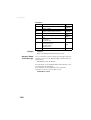
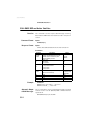
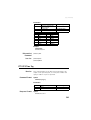
Example
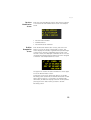
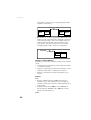
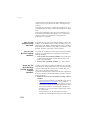
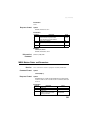
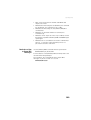
The response line below indicates that the receiver is
configured as a base, uses the GPS and GLONASS
constellations, and the base has a static position:
$PASHQ,CPD,MOD
$PASHR,CPD,MOD,BAS,2,0,A*5A
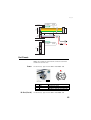
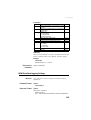
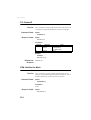
Relevant Set
Command
See also
$PASHS,CPD,MOD
$PASHQ,CPD
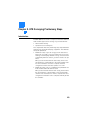
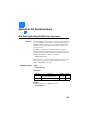
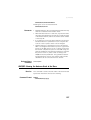
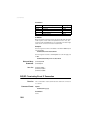
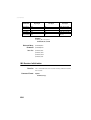
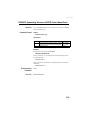
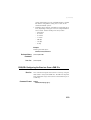
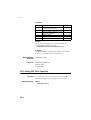
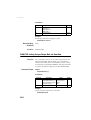
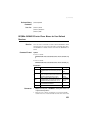
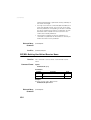
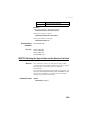
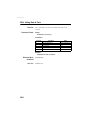
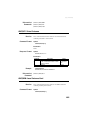
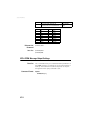
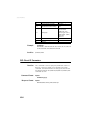
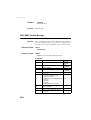
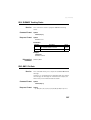
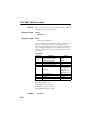
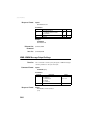
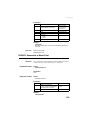
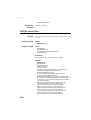
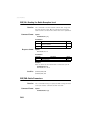
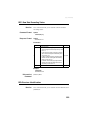
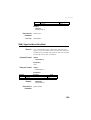
CPD,NET: RTK Network Operation Mode
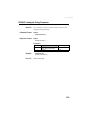
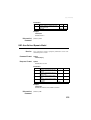
Function
282
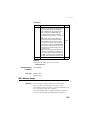
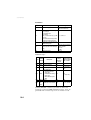
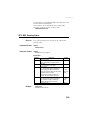
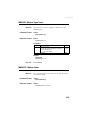
This command is used to read the current setting of the RTK
network operation mode.