1
Activities
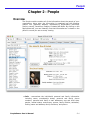
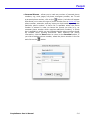
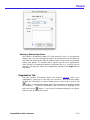
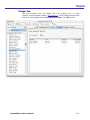
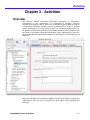
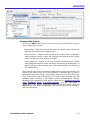
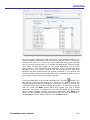
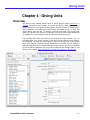
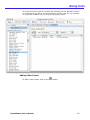
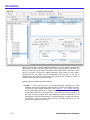
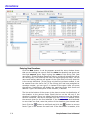
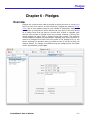
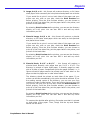
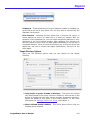
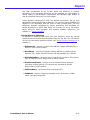
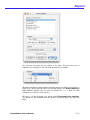
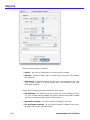
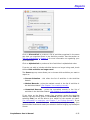
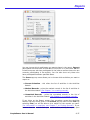
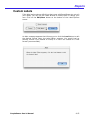
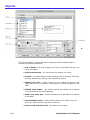
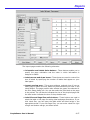
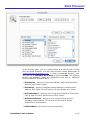
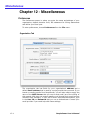
The Activities Module is organized into four tabs:
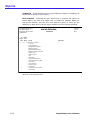
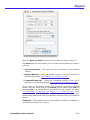
• Activity Info - This tab contains information about the activity itself:
activity name, description, meeting time and meeting place. You can
also indicate that an activity is no longer being used and if attendance in
the activity should be used to update the Last and First Attended dates
(event) in the People module.
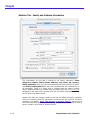
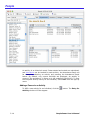
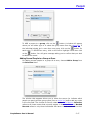
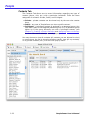
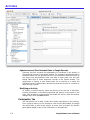
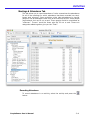
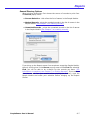
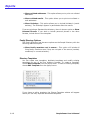
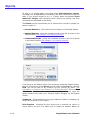
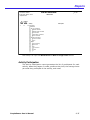
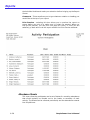
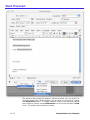
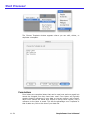
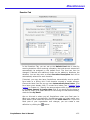
• Participation - This tab allows you to add, modify and delete
participants in the activity. From a pop-up menu you can choose to view
current participants, all people who have been a part of the activity at
some time or search for specific participants based on any of the
information in PeoplePower.
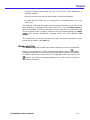
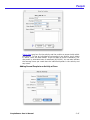
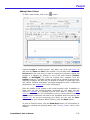
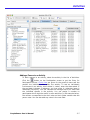
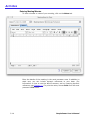
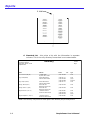
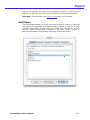
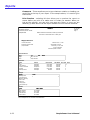
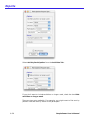
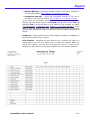
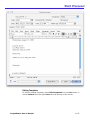
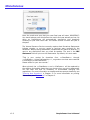
• Attendance - This tab allows you to record attendance. It also
summarizes the attendance for all of the meetings for which attendance
has been recorded.
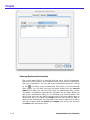
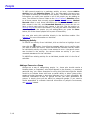
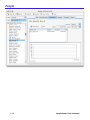
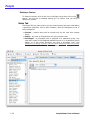
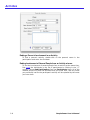
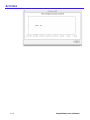
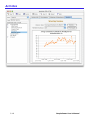
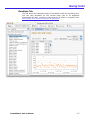
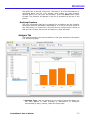
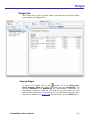
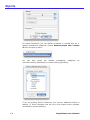
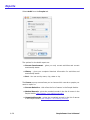
• Analysis - This tab shows graphs where you can analyze attendance.
Total or average attendance can be view by day, month or year.
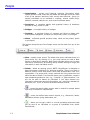
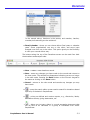
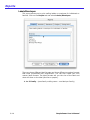
• The menu along the top of the Activities screen are:
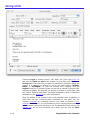
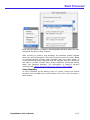
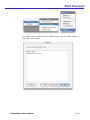
• New - produces a pop-up menu which allows you to add a new activity
at any level within the heirarchy of activities.
•
- opens the search editor screen used to search for activities based
upon any of the data in PeoplePower.
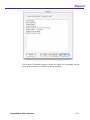
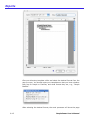
•
- prints pre-defined and custom reports, e.g., directories, labels,
attendance sheets, giving statements, etc.
•
- opens the context sensitive help screen.
• Delete - deletes an existing activity. NOTE: PeoplePower is designed to
keep information indefinitely for historical tracking. You will not be able
to delete an activity if you have entered people into the activity. You
cannot delete an activity that has child (or sub-) activities. This is to
ensure accurate historical records.
• Cancel - returns to the view mode and cancels any changes you may
have made.
3-2
PeoplePower User’s Manual