1
Reports
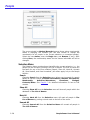
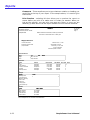
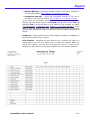
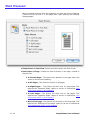
2. 5-1/2” x 8-1/2” collated book - this format will produce a book
with pages that are 5-1/2” x 8-1/2”. The directory is printed on letter
sized paper, 2 directory pages on each side of a piece of paper.
PeoplePower prints the pages collated, i.e., it figures out which pages
need to be printed next to each other on the paper so that the pages
are in order when folded.
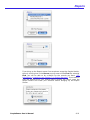
The directory should be printed on both sides of the paper. If you
printer can do this automatically, this option should be selected. If you
are making several copies of the directory, you can use your copy
machine to make 2-sided copies. If you are printing just one copy and
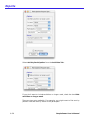
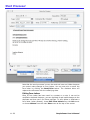
your printer can only print on one side, check the Print Preview box
before printing. From the Print Preview window, you can choose to
print all of the front sides first, put the paper back in the printer, and
print all of the back sides.
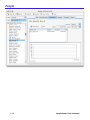
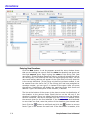
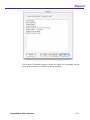
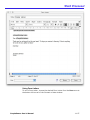
By selecting Print Preview before printing, you can see the directory
exactly as it will print. You can also edit it and add any other
information you like.
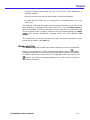
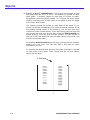
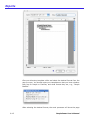
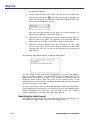
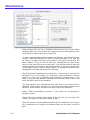
To construct the booklet after printing, first make sure that it is printed
on both sides of the paper. Then, simply fold the top and bottom
halves into the book.
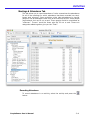
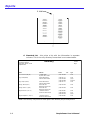
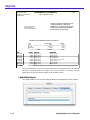
2. fold here
8-4
PeoplePower User’s Manual