1
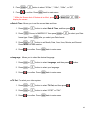
■ Start-up Image
1. Press
or
button to select Start-up Image, and then press
2. Press
or
button to select “Off” or “System”.
3. Press
to confirm. Press
.
back to main menu.
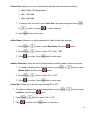
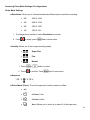
■ Format: Allows you completely erase all data from your SDHC memory card.
1. To format your SDHC memory card. Press
your SDHC memory card, and then press
2. Press
button to select Format
.
button to select “Yes” or “No”.
or
3. Press
or
to confirm. Press
back to main menu.
4.
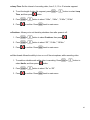
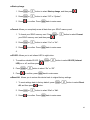
■ IR LED: Allows you to set infrared LED to night vision.
1. To enable or disable IR LED. Press
LED) on or off, and then press
2. Press
3. Press
or
button to select IR LED (Infrared
.
button to select “On” or “Off”.
or
to confirm, press
back to main menu.
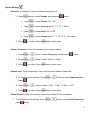
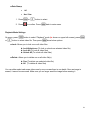
■ Reset All: Allows you to restore this device back to original factory settings.
1. To reset settings back to factory default, press
All, and then press
2. Press
3. Press
or
or
button to select Reset
button.
button to select “Yes” or “No”.
to confirm. Press
back to main menu.
19