1
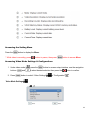
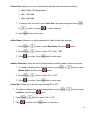
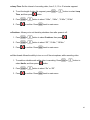
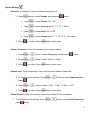
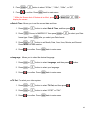
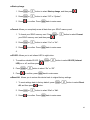
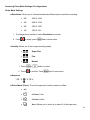
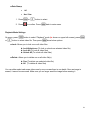
■ Date Stamp Off Date/Time 1. Press or 2. Press button to select. to confirm. Press back to main menu. Playback Mode Settings On menu, press or button to select “Playback” mode (► shown on upper left screen), press button to select video file. Then press show below options. ■ Lock: Allows you to lock one or all video files. ► Lock/Unlock one (To lock or unlock one selected video file) ► Lock All (To lock all video files) ► Unlock All (To unlock all video files) ■ Delete: Allows you to delete one or all video file(s). ► One (To delete one selected video file) ► All (To delete all video files) You can either select and erase videos one by one or erase them in one batch. Once an image is erased, it cannot be recovered. Make sure you no longer need the image before erasing it. 21