1
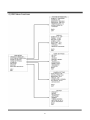
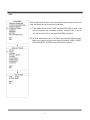
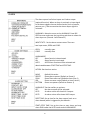
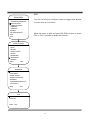
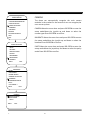
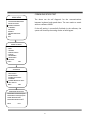
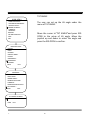
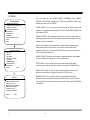
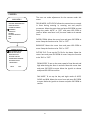
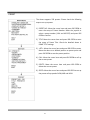
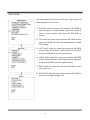
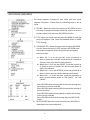
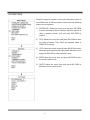
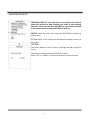
 AUX MAIN MENU LANGUAGE:ENGLIS <SYSTEM INFORMATION> <DISPLAY SETUP> <DOME SETTINGS> <CAMERA> <MOTION> RESTART FACTORY DEFAULTS HEIP EXIT DOME SETTINGS <IR LED> <IDLE> <ALARM> <PRAVICY MASK> <CLOCK> <PASSWORD> <ADVANCED> <OTHERS> BACK EXIT The user can set up the auxiliary output to trigger other devices from an alarm or a controller. Move the cursor to AUX and press IRIS OPEN to enter to select “ON” or “OFF” to enable or disable this function.
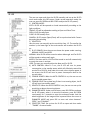
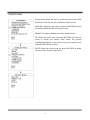
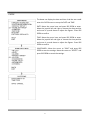
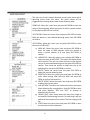
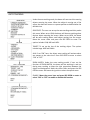
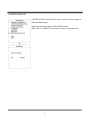
ADVANCED <AUX> <SOFT LIMIT> <DOME SPEED> <POWER ON ACTON> <CAMERA> <COMMUNICATION TEST> <TILT ANGLE > BACK EXIT AUX AUX1:OFF AUX2:OFF BACK EXIT 34