1
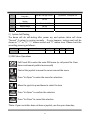
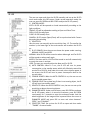
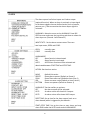
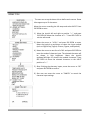
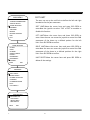
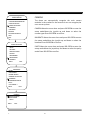
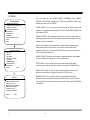
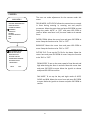
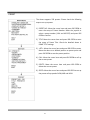
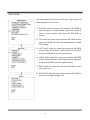
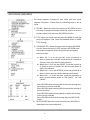
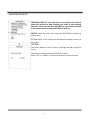
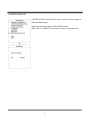
PRESET The dome supports 256 presets. Please check the following steps to set up a preset. 1) PRESET NO.: Move the cursor here and press IRIS OPEN to enter the setup of Preset Number. Move the joystick to select a preset number (1‐64 and 100‐255) and press IRIS OPEN to confirm. 2) TITLE: Move the cursor here and press IRIS OPEN to enter the setup of Preset Title. Check the detailed above in DOME TITLE settings. 3) <SET>: Move the cursor here and press IRIS OPEN to enter. Move the dome to a defined position as preset point and press IRIS OPEN to save the preset position. 4) CALL: Move the cursor here and press IRIS OPEN to call up the current preset. 5) DELETE: Move the cursor here and press IRIS OPEN to delete the current preset. 6) SPEED: Move the cursor here and press IRIS OPEN to set up the preset call up speed of LOW, MID and HIGH. 44