1
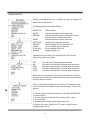
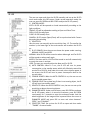
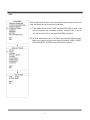
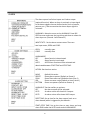
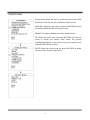
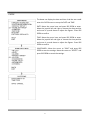
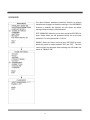
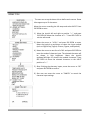
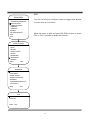
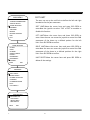
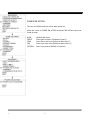
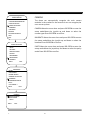
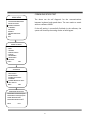
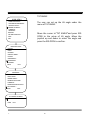
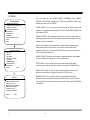
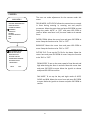
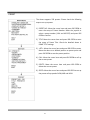
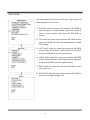
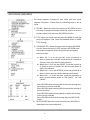
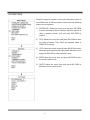
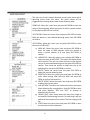
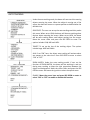
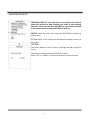
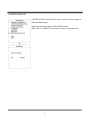
AUTO CRUISE (SEQUENCE) The dome supports 8 groups of auto cruise and each cruise supports 32 presets. . Please check the following steps to set up cruise. 1) SEQ NO.: Move the cursor here and press IRIS OPEN to enter the setup of Sequence Number. Move the joystick to select a preset number (1‐8) and press IRIS OPEN to confirm. 2) TITLE: Move the cursor here and press IRIS OPEN to enter the setup of Sequence Title. Check the detailed above in DOME TITLE Settings. 3) <SEQUENCE SET>: Move the cursor here and press IRIS OPEN to enter. Move the cursor to EDIT and press IRIS OPEN enter edit mode of sequence. Move the joystick left and right to select each item. a) When the < > is on the item NO., move joystick up or down to select the Serial NO. of the preset in a sequence. There are up to 32 presets in each sequence. b) When the < > is on the item PRESET, move the joystick up or down to select the preset NO. that the user wants to add in the sequence. c) When the < > is on the INTERVAL, move the joystick up or down to select the interval time between each preset. d) When the < > is on the last item, move the joystick up or down to select edition mode as “INS (insert)”, “ok” and “delete”. Press IRIS OPEN when selecting INS to insert the settings into the position of current Serial No. Press IRIS OPEN when selecting OK to override the settings of Current Serial No. Press IRIS OPEN when selecting delete to delete the settings of the Current Serial No. Press IRIS OPEN to save all the setting and press IRIS CLOSE to exit. 4) DELETE/START: Move the cursor here and press IRIS OPEN to delete/start the current sequence. 46