1
Chapter Three: Using the Software | 17
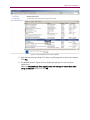
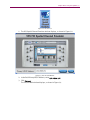
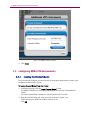
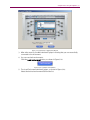
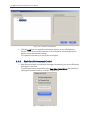
Figure 3-11: Additional VR5 Instruments Window
6. In the Enter IP Address of Unit #2 field, enter an IP address in the same subnet as the
Primary VR5, as shown in Figure 3-11. This will be the IP address of the secondary
VR5.
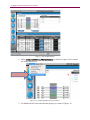
7. Click the Connect Now button.
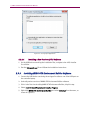
A window indicating that the secondary VR5 is being connected displays, as shown
in Figure 3-12.
Figure 3-12: Connecting to Instrument Message
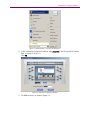
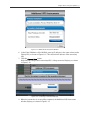
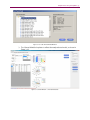
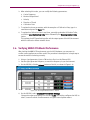
8. When the connection is successfully completed, the Additional VR5 Instruments
window displays, as shown in Figure 3-13.