1
6. Create Job Posting:
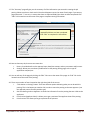
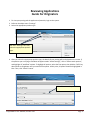
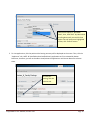
There are two ways to create a job posting – using the Navigation bar or the Shortcut control.
I.
Method 1: Using the Navigation bar.
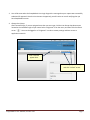
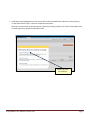
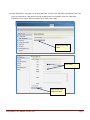
• Go to Navigation bar located at the top of the “Home” screen
• Roll over object menu “Postings”
• Select appropriate position type
• Then, click the orange “Create New Posting” button
II.
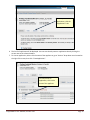
Method 2: Using the Shortcut control
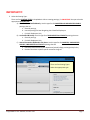
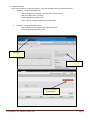
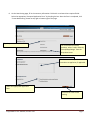
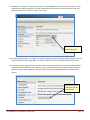
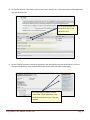
• Go to “Shortcuts” box listed on the right of the screen
• Click the appropriate position type
Method 1
Method 2
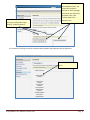
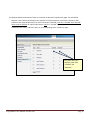
Click here to create
a new posting.
PeopleAdmin: User Manual, October 2011
Page 4