1
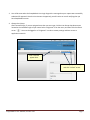
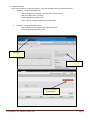
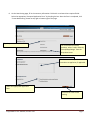
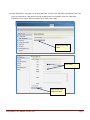
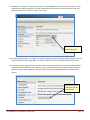
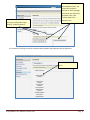
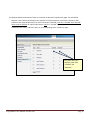
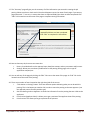
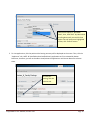
8. On the New Posting page, fill in the necessary information. Fields with a red asterisk are required fields.
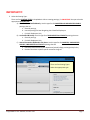
Select the appropriate “Accepted Application Form” by checking the box. Once the form is completed, click
“Create New Posting” button at top right or bottom right of the page.
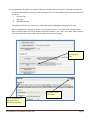
Type the position title in this field.
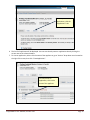
For unclassified and faculty
positions, select “Under review by
School/Dept/College” from the
drop down menu.
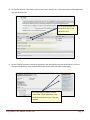
This field is used for special
instructions to applicants, if applicable.
Select the appropriate application
form.
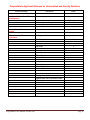
Click here to create a new
posting.
PeopleAdmin: User Manual, October 2011
Page 6