1
MOBIDM Customer Quick Guide, 4.4. 2012 Page 15 7. Reports
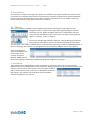
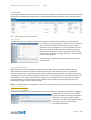
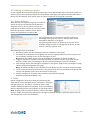
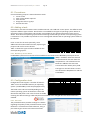
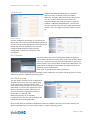
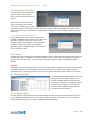
Select the last option from the navigation panel ‘Reports’. The Report overview screen shows a list of predefined reports. It is also possible to create customized reports. 7.1. Predefined reports
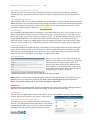
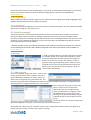
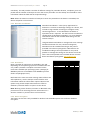
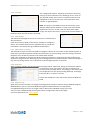
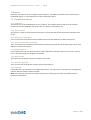
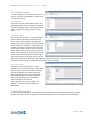
7.1.1. All Devices This reports list all the available devices of a customer. This includes devices that have not yet been enrolled. It includes additional information like user details, email address etc. 7.1.2. Active Devices This report is similar to the previous one except it only lists the devices that have been activated in the portal. 7.1.3. Devices by creationdate This is an overview of the devices and the date the entries were added or created in the portal. 7.1.4. Inactive Devices by creationdate This is an overview of the devices that have been activated in the portal and the date these entries were added or created in the portal. 7.5. Jailbroken Devices For iOS devices this lists any devices that have been jailbroken. Jailbroken devices may cause a security risk or cannot be properly managed or supported. 7.1.6. Device status This report lists the device status as is shown in the portal. 7.1.7. Devices and groups This is an overview of all devices and the groups they belong to. 7.1.8. Invoicing If available, this is an overview of the usage of the device. This may assist in monitoring or managing the contract with the mobile network provider. Note: The Invoicing report is only available for partners, showing an overview of available partners, customers and devices. © VeliQ April 2012