1
4.9 Opening an existing patient file
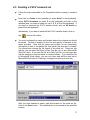
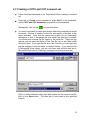
To open an existing patient file, click on File (or press Alt+F on the keyboard),
then click on Open (or press O on the keyboard) OR click on the
icon on
the toolbar. Select the directory and file you want to open and click on Open.
Note that only files created by the Speech Motor Learning Program can be
opened in the program. These files all end with .sml).
Alternative:
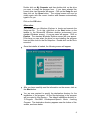
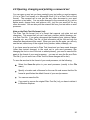
In the File menu on the menubar, the four most recent files you have worked on,
are displayed. If the file you want to open is one of the four most recent files you
have worked on, you can open the file much quicker by clicking on the File menu
and then selecting the file you want to open. If the file does not appear in the
File menu, you have to open the file as described above.
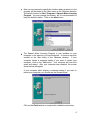
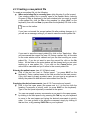
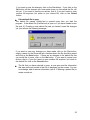
If an existing file is currently open with unsaved changes:
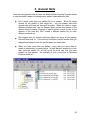
If an existing file is open and there are any unsaved changes in the file, you
will see a message similar to the following:
21