1
System menu
UPS
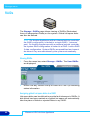
The information in the System - Services - UPS page is derived from
the Uninterruptible Power Supply (UPS) itself.
Refer to the manufacturer’s documentation for details installing and
configuring the UPS.
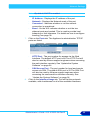
Note: The Appliance only supports APC brand Smart UPS
devices.
1.
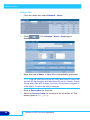
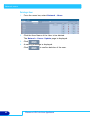
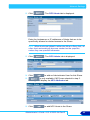
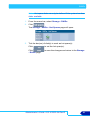
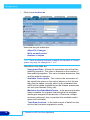
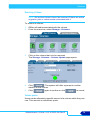
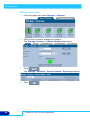
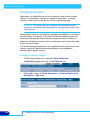
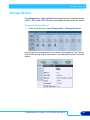
From the menu bar, select System - Services and click on UPS.
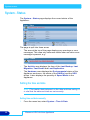
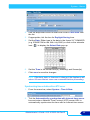
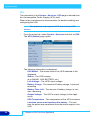
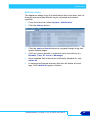
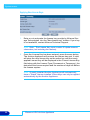
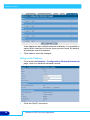
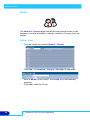
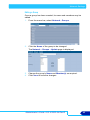
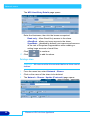
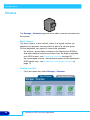
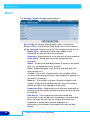
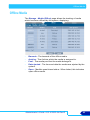
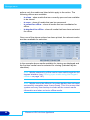
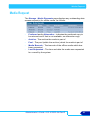
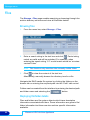
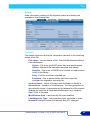
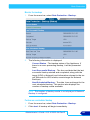
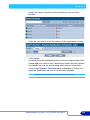
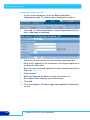
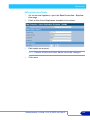
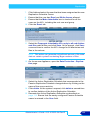
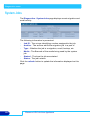
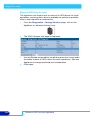
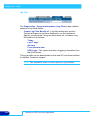
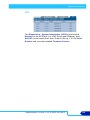
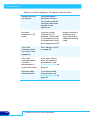
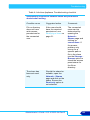
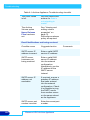
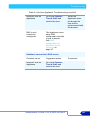
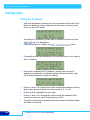
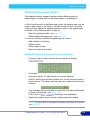
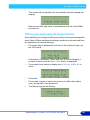
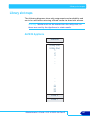
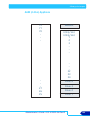
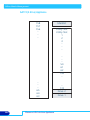
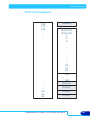
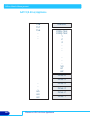
The UPS (Status) page opens:
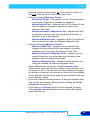
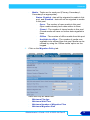
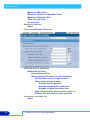
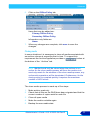
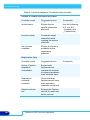
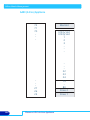
The following information is displayed:
22
-
UPS Model - The model code of the UPS attached to the
Appliance
-
Status - The UPS's status
(e.g ONLINE, LOW BATTERY, etc.)
-
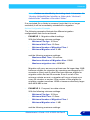
Line Voltage - The UPS's input voltage
-
Battery Charge - The amount of battery charge, in percent,
remaining
-
Battery Time Left - The amount of battery charge, in minutes, remaining
-
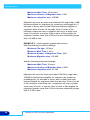
Output Voltage - The UPS's output voltage (to the Appliance)
-
UPS Temperature - The temperature of the UPS enclosure
-
Last time power was transferred to battery - The last
time the power was transferred from the mains supply to the
UPS.
Plasmon UDO Archive Appliance