1
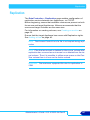
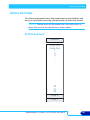
Network menu
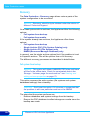
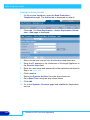
Adding a User
1.
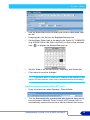
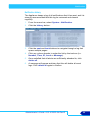
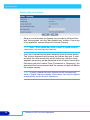
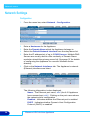
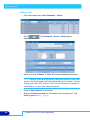
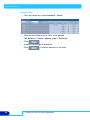
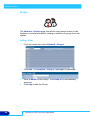
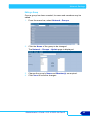
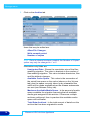
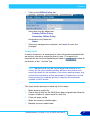
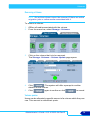
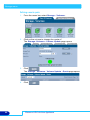
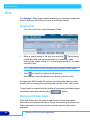
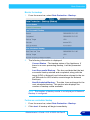
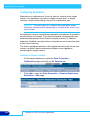
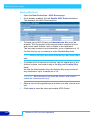
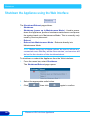
From the menu bar, select Network - Users.
2.
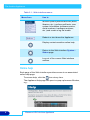
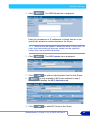
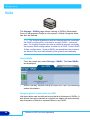
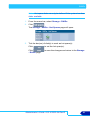
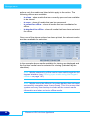
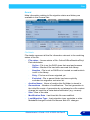
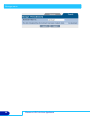
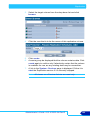
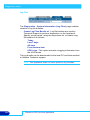
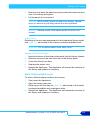
Click
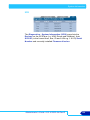
displayed:
3.
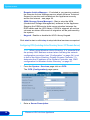
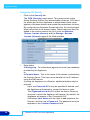
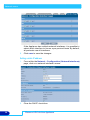
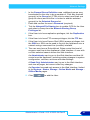
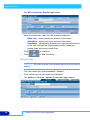
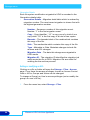
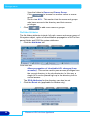
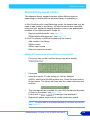
Enter the User’s Name. A User ID is automatically generated.
. The Network - Users - Add page is
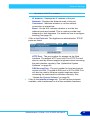
Note: User ID (UID) and Group ID (GID) are used to control file
access. All file changes will have these IDs set for Owner, Owner
Group and other ACL entries. Once an ID has been assigned to
a file object, it cannot be easily changed.
40
4.
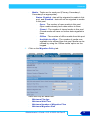
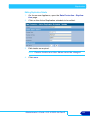
Enter a Description for the User.
5.
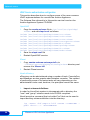
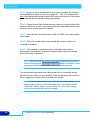
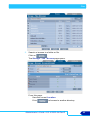
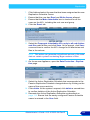
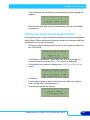
Select a Primary Group for the user to be a member of. The
default group is def_group.
Plasmon UDO Archive Appliance