1
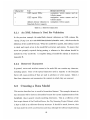
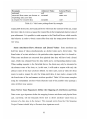
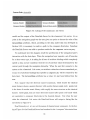
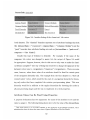
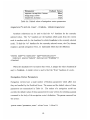
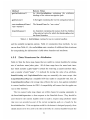
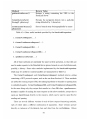
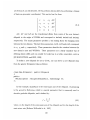
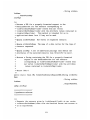
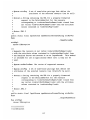
Parameter
supress-incomplete.leaves
merge-duplicates
enumerate-history
Default Value
false
true
true
Table 3.4: Default values of navigation vertex parameters
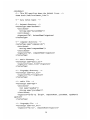
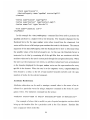
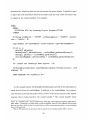
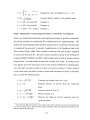
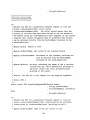
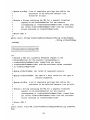
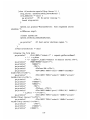
<signature>"%.4d_%.4d.trans", fromNode, toNode</signature>
Attribute redirection can be used to find the "to" baselines for the currently
selected vertex. The "to" baselines are the baselines which point from the current
node to another node (i.e the baselines for which fromNode is the currently selected
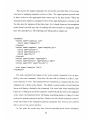
node). To find the "to" baselines for the currently selected vertex, the City dataset
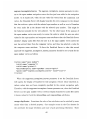
employs a special navigation vertex, to baselines which has the definition:
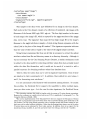
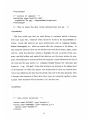
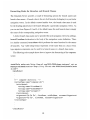
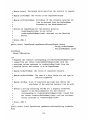
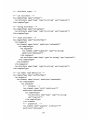
<vertex name="to baselines" type="baseline-file">
<redirect source="nodeId" destination="fromNode"/>
</vertex>
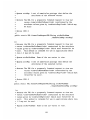
When the datalink server encounters this vertex, it assigns the value of nodeId (if
any) to fromNode. A similar vertex is used to find the "from" baselines of a node.
Navigation Vertex Parameters
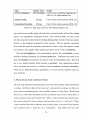
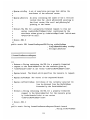
Navigation vertices have a small number of Boolean parameters which affect how
they are handled by the DataLink Server. The names and the default values of these
parameters are summarized in Table 3.4.
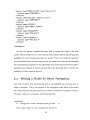
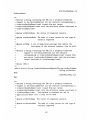
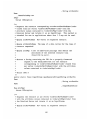
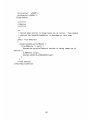
The author of a navigation model can
override the default values of these parameters for some vertices by including a param
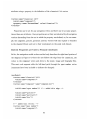
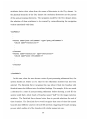
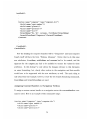
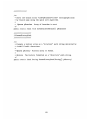
command in the body of the navigation vertex's definition. The param command has
the syntax:
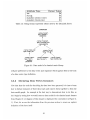
<param name="parameter-name"
value="true I false "/>
65