1
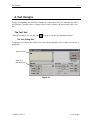
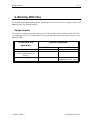
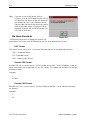
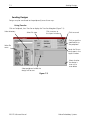
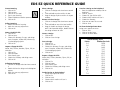
File Name Standards
6-7
Melco Format
MELCO format names consist of a 1-6 character filename and one of the following extensions:
.CND - Condensed Format
.EXP - Expanded Format
Premier/Stellar Format
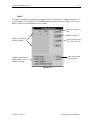
The PREMIER/STELLAR format uses the Indirect mode of specifying file names (see your Premier or
Steller manual for a description of Indirect mode). In general, you can think of a Premier/Stellar
filename as a number between 1001 and 1999.
Examples:
1001
1930
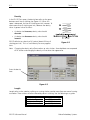
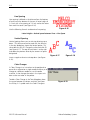
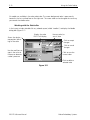
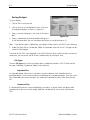
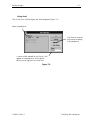
The Options button allows you to specify 5 different sizes for the hardware scaling of the design
at sewout time. The defaults are:
Smallest:
50%
Smaller:
75%
Larger:
125%
Largest:
150%
Enter new sizes as a ratio to 1.00, for example 125% is entered as 1.25
Note: The Stellar 1 can only read files saved in this format. The Premier can read Tajima and DOS
(.EXP) files as well.
Tajima Format
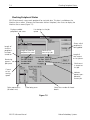
Tajima format uses a numeric format with numbers ranging from 1-999. Beginning with EDS EZ
release 1.32, any 1-8 character name is also supported. In addition to a filename, a 1-8 character
label can be specified after the filename and separated by a colon (like the Barudan FDR format.)
Examples:
1
G001 (How the old Tajima format stored the name 1)
1:TEST
APPLE:TEST (The new Tajima Format)
110362-01 Rev. A
6. Working With Files