1
Step 3: Generating the Octree Mesh
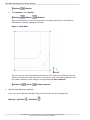
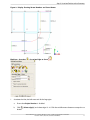
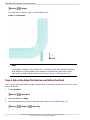
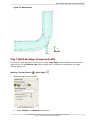
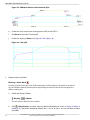
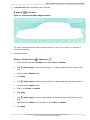
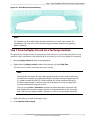
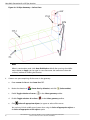
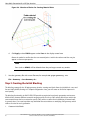
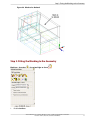
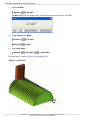
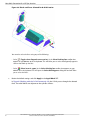
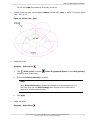
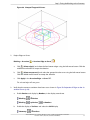
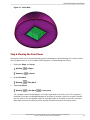
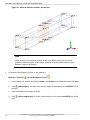
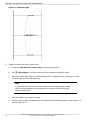
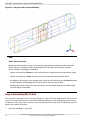
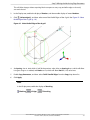
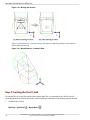
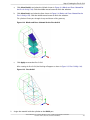
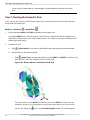
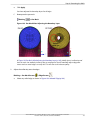
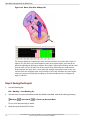
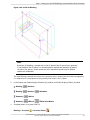
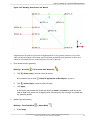
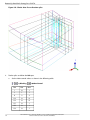
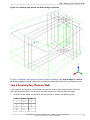
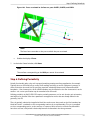
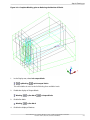
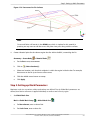
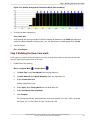
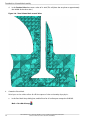
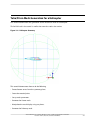
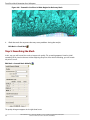
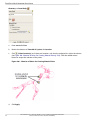
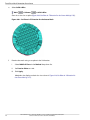
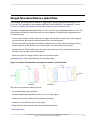
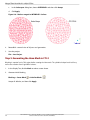
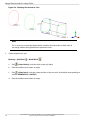
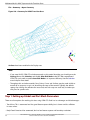
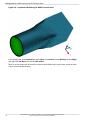
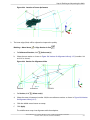
Figure 197: Zoomed-in Mesh—Slivers Meshed with Equilateral Triangles
Note
Some solvers may not like the volume transitions in the Octree mesh. Step 4 explains
how you can replace the Octree volume mesh with a Delaunay volume mesh for
smoother volume transition.
3.
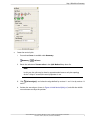
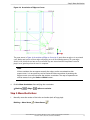
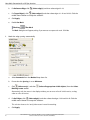
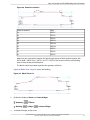
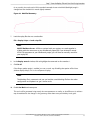
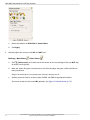
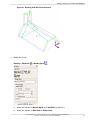
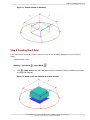
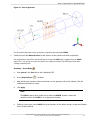
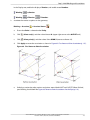
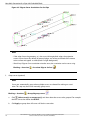
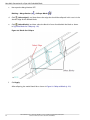
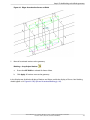
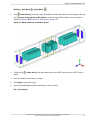
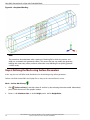
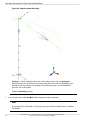
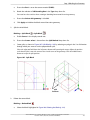
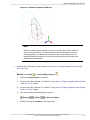
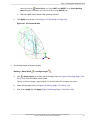
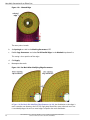
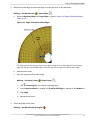
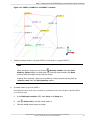
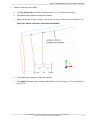
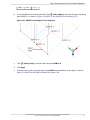
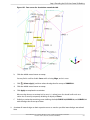
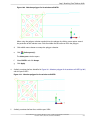
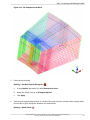
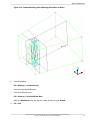
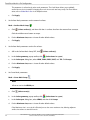
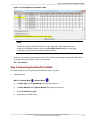
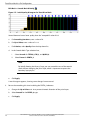
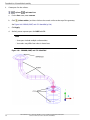
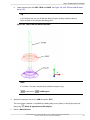
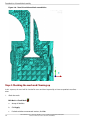
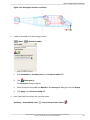
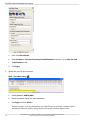
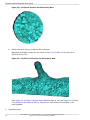
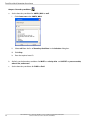
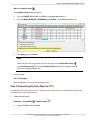
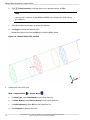
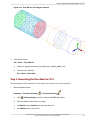
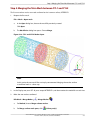
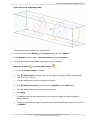
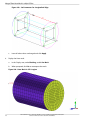
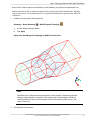
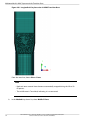
Use a cut plane to examine the mesh.
a.
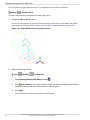
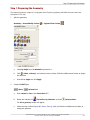
Select Wire Frame.
Mesh
b.
Shells
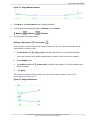
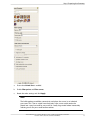
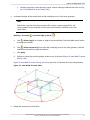
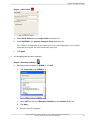
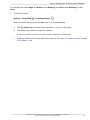
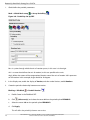
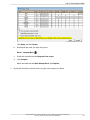
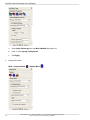
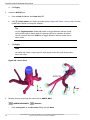
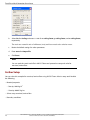
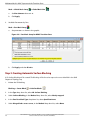
Select Manage Cut Plane.
Mesh
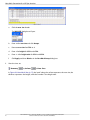
c.
d.
Cut Plane...
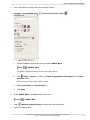
Manage Cut Plane
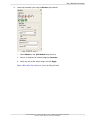
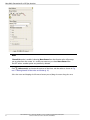
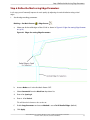
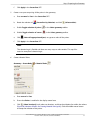
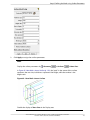
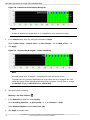
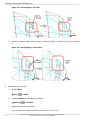
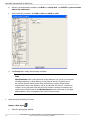
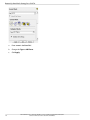
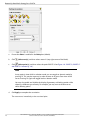
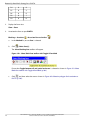
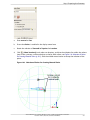
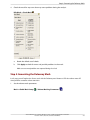
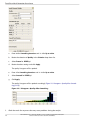
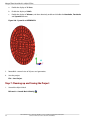
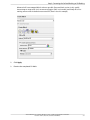
Set the following parameters:
i.
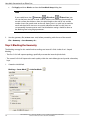
Select by Coefficients from the Method drop-down list.
ii.
Enter 0.5 for Bz.
iii.
Click Apply.
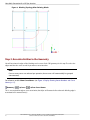
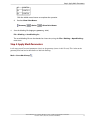
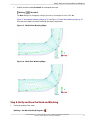
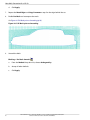
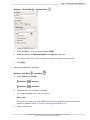
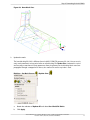
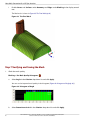
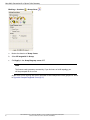
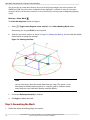
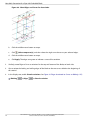
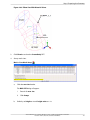
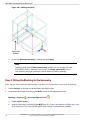
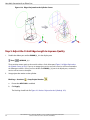
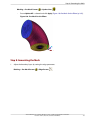
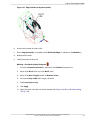
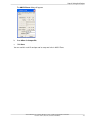
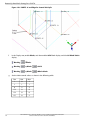
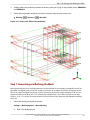
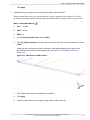
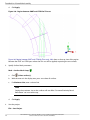
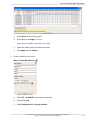
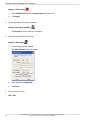
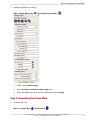
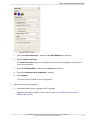
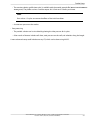
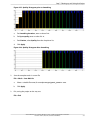
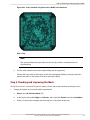
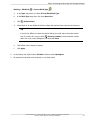
Enable the display of volumes in the display control tree.
Mesh
e.
Wire Frame
Volumes
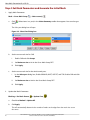
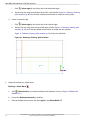
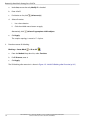
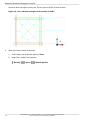
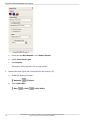
Select Solid & Wire.
Mesh
Volumes
Solid & Wire
ANSYS ICEM CFD 15.0 - © SAS IP, Inc. All rights reserved. - Contains proprietary and confidential information of ANSYS, Inc. and its subsidiaries and affiliates.
257