1
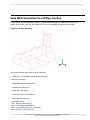
Hexa Mesh Generation for a Sphere Cube Geometry
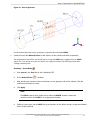
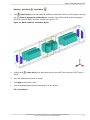
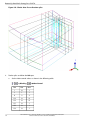
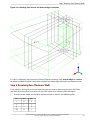
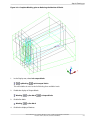
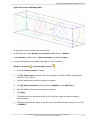
You can remove the central block because the mesh will only be generated in the volume between the
SPHERE and CUBE. Very often, when multiple blocks are displayed, it is difficult to select the icon representing the block(s). An alternative method is to select the block by selecting a pair of diagonally opposing
corners.
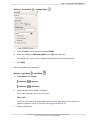
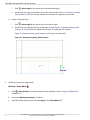
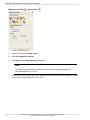
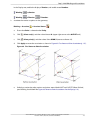
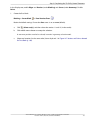
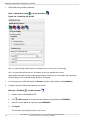
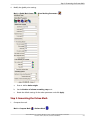
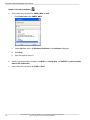
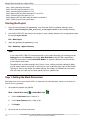
Blocking > Delete Block
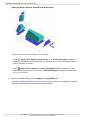
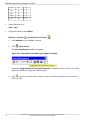
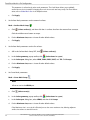
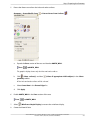
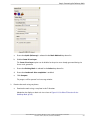
The Select Blocking-block toolbar will appear.
a.
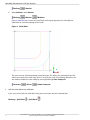
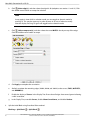
Select
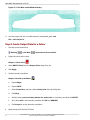
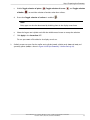
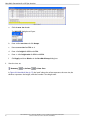
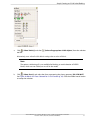
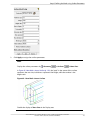
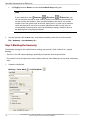
(Toggle select diagonal corner vertices) In the Select Blocking-block toolbar.
Alternatively, you can type Shift-D on the keyboard.
b.
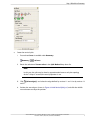
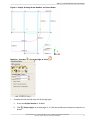
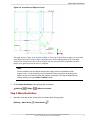
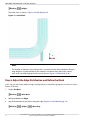
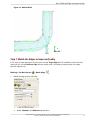
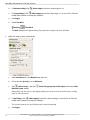
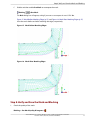
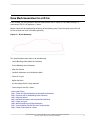
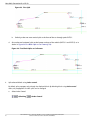
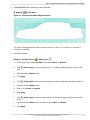
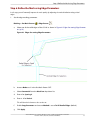
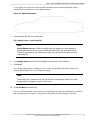
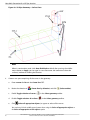
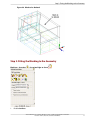
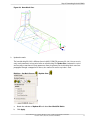
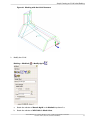
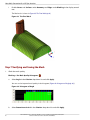
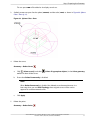
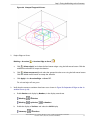
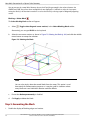
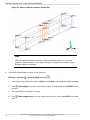
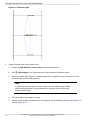
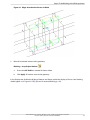
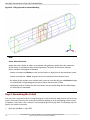
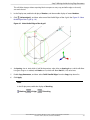
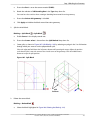
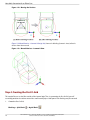
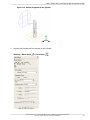
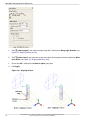
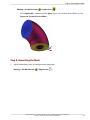
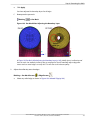
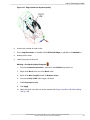
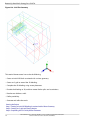
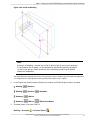
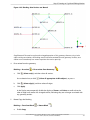
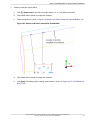
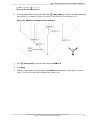
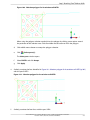
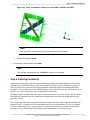
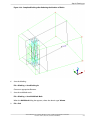
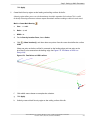
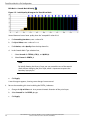
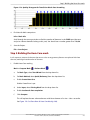
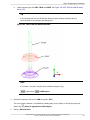
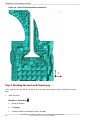
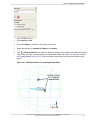
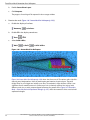
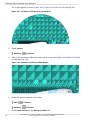
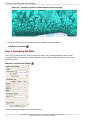
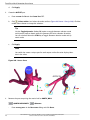
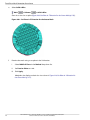
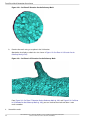
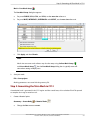
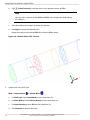
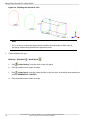
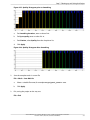
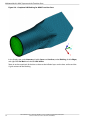
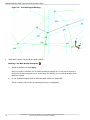
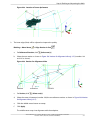
Select the two corner vertices as shown in Figure 75: Deleting the Block (p. 102) and click the middlemouse button to accept the selection.
Figure 75: Deleting the Block
Note
You can also simply select the central block from the screen. This option is used
here mainly for demonstration purposes as it may be useful in situations where
many blocks exist and individual selection could be difficult.
c.
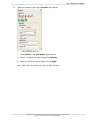
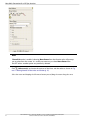
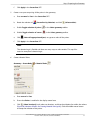
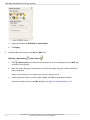
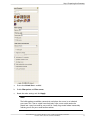
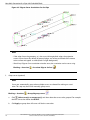
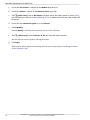
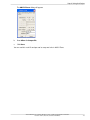
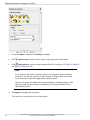
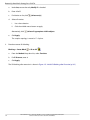
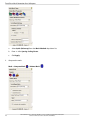
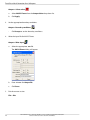
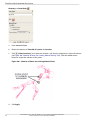
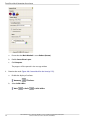
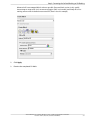
Ensure that Delete permanently is disabled.
d.
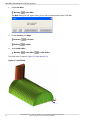
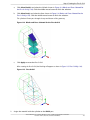
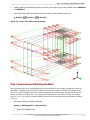
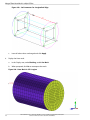
Click Apply to delete the block.
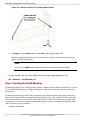
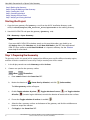
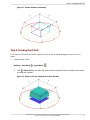
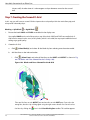
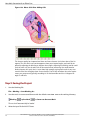
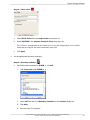
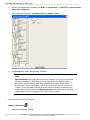
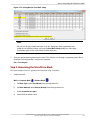
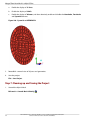
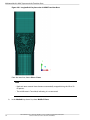
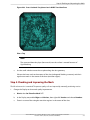
Step 5: Generating the Mesh
1.
102
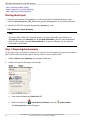
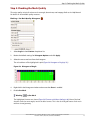
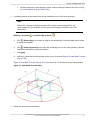
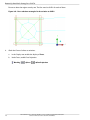
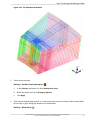
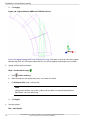
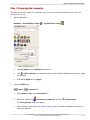
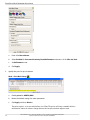
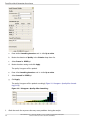
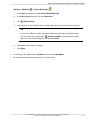
Disable the display of blocking edges and vertices.
ANSYS ICEM CFD 15.0 - © SAS IP, Inc. All rights reserved. - Contains proprietary and confidential information of ANSYS, Inc. and its subsidiaries and affiliates.