1
G7 USER MANUAL
7.3
Loading the files with the measurement results - LOAD
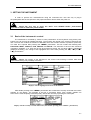
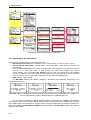
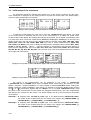
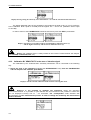
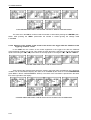
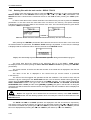
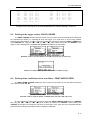
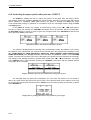
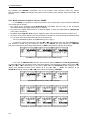
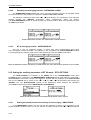
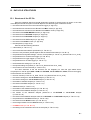
The LOAD is used for loading data file from the FLASH DISC (e.g. for the verification or
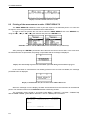
comparison). The position is opened after pressing the <ENTER> push-button when the LOAD text in
the FILE list is displayed inversely (selected using the <
>, <
> (or <
>, <
>) push-buttons).
The return to the FILE list is possible after pressing the <ESC> push-button.
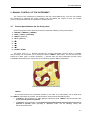
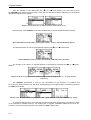
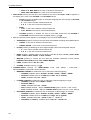
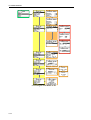
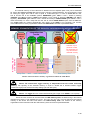
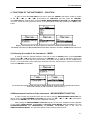
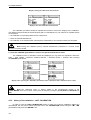
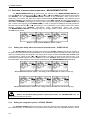
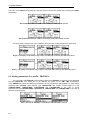
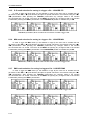
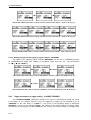
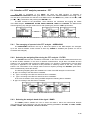
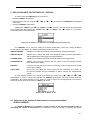
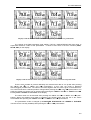
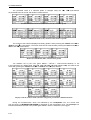
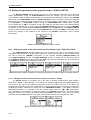
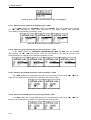
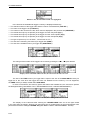
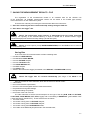
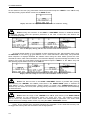
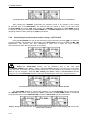
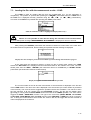
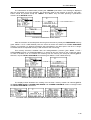
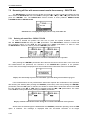
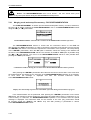
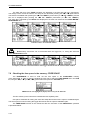
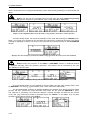
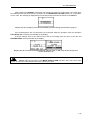
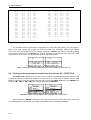
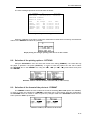
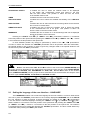
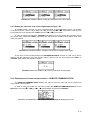
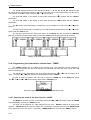
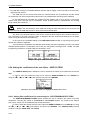
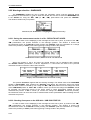
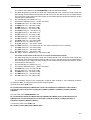
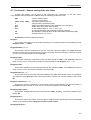
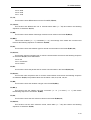
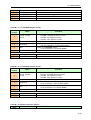
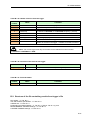
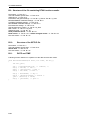
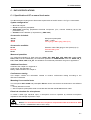
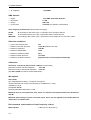
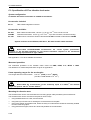
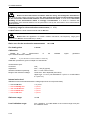
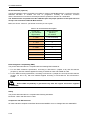
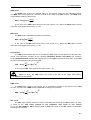
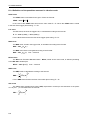
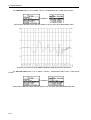
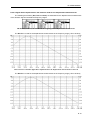
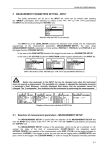
FILE list with the LOAD text highlighted (displayed inversely)
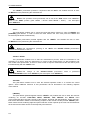
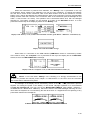
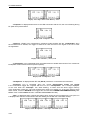
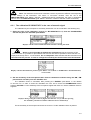
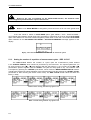
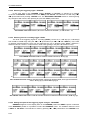
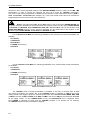
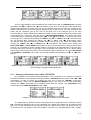
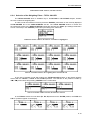
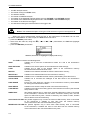
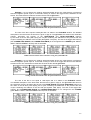
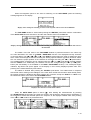
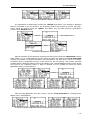
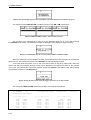
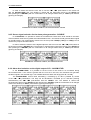
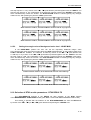
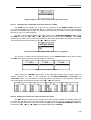
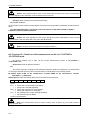
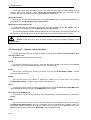
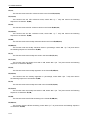
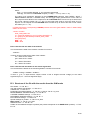
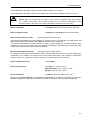
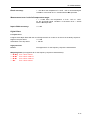
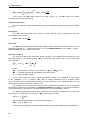
Notice: It is not possible to load the file during the execution of the measurements.
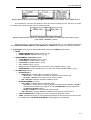
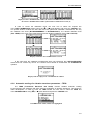
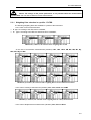
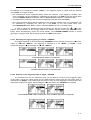
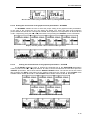
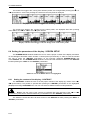
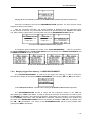
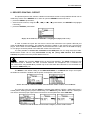
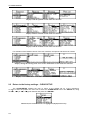
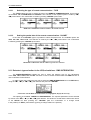
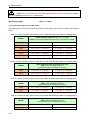
On such attempt the message: MEASUREMENT IN PROGRESS is displayed for about 3 seconds.
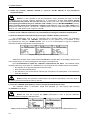
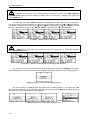
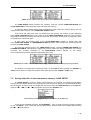
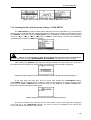
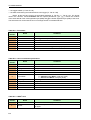
After pressing the <ENTER> push-button the instrument checks its current state. In the case when
the measurements are performed, the file loading is impossible and the message is displayed.
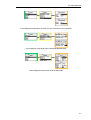
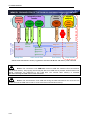
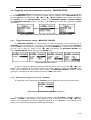
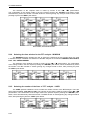
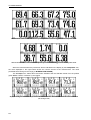
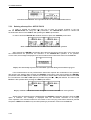
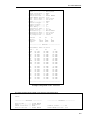
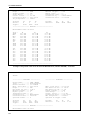
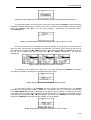
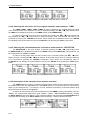
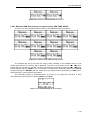
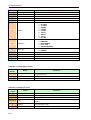
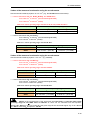
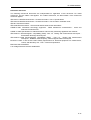
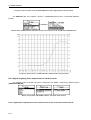
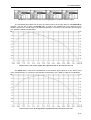
Display after the attempt to perform an unavailable operation during measurement in progress
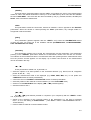
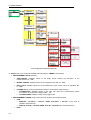
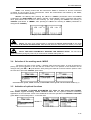
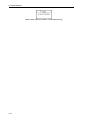
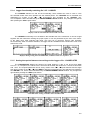
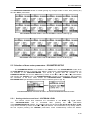
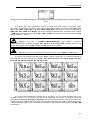
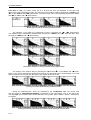
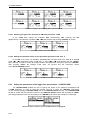
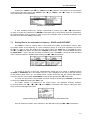
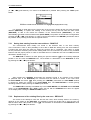
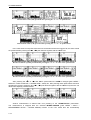
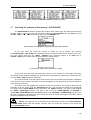
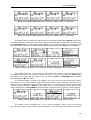
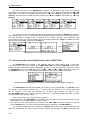
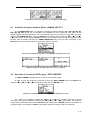
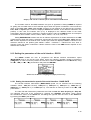
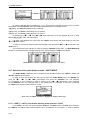
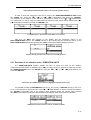
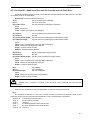
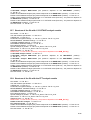
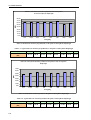
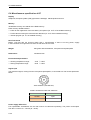
In the case when the instrument memory is empty (no file is stored), after entering the LOAD
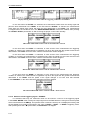
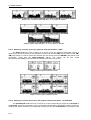
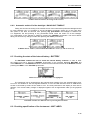
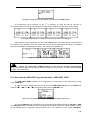
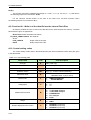
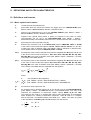
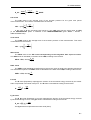
window the NO FILES text is displayed and the instrument waits for the reaction of the user. The user
should press then the <ESC>, <ENTER> (the instrument returns to the FILE list) or <START / STOP>
push-button (the instrument starts the measurement).
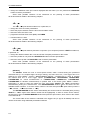
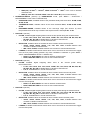
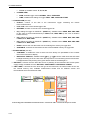
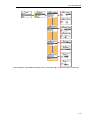
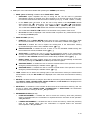
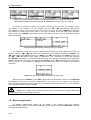
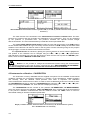
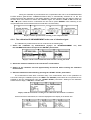
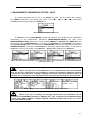
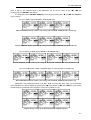
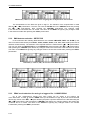
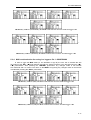
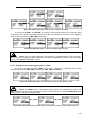
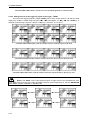
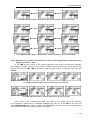
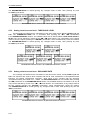
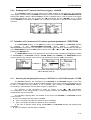
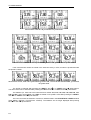
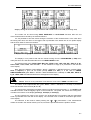
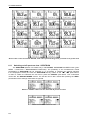
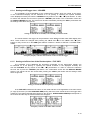
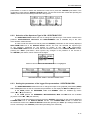
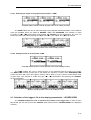
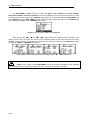
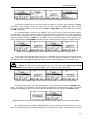
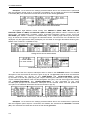
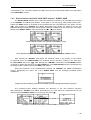
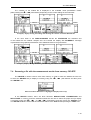
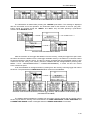
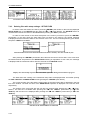
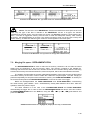
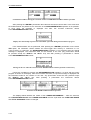
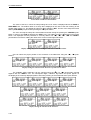
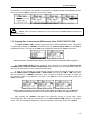
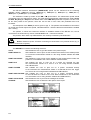
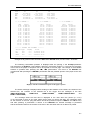
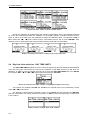
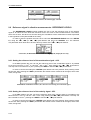
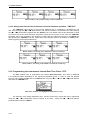
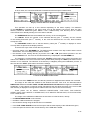
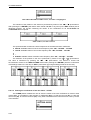
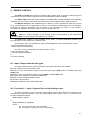
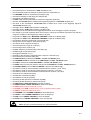
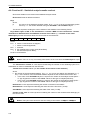
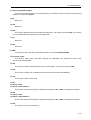
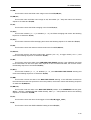
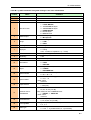
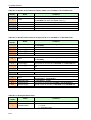
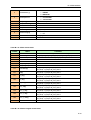
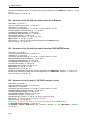
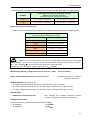
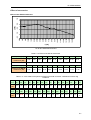
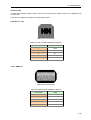
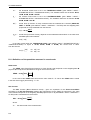
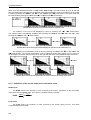
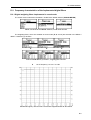
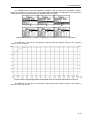
Display during the execution of the LOAD operation
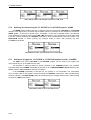
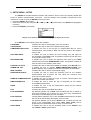
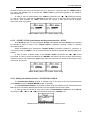
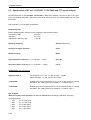
The current number of the file and the total number of the saved files is displayed in the first line
of the LOAD window. The name of the file is displayed in the second line (its current number is presented
in the first line). The name of the file suggests the operation the file was created-in. The names in which
the first character is @ are coming from the AUTO SAVE function. The file with the default name
@Timer@ is coming from the AUTO SAVE function executed in the TIMER operation. The other names
suggest the SAVE / SAVE NEXT function. The type of the current file (LEVEL METER, 1/1 OCTAVE,
1/3 OCTAVE, DOSE METER, FFT and RT60) and the mode ([SOUND] or [VIBR.]) are given in the third
line. If during the measurements which results are saved in the file, the logger file was also created its
name is displayed in the fourth line.
7-17