1
G7 USER MANUAL
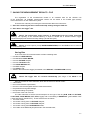
_
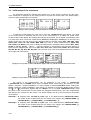
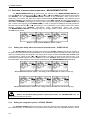
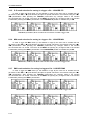
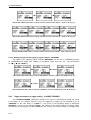
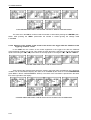
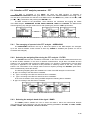
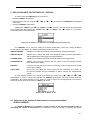
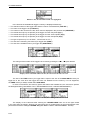
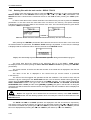
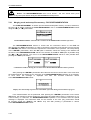
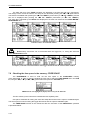
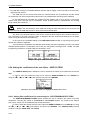
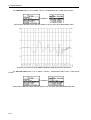
The date and time of the SAVE SETUP operation is displayed in the fourth and fifth line
respectively. The change of the current file with the unit step can be done after pressing the <
>, <
>
push-buttons. The first file is available after pressing the <
> with <SHIFT> push-button (or <
> with
<SHIFT>) and the last one is displayed after pressing the <
> with <SHIFT> push-button (or <
> with
<SHIFT>).
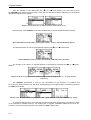
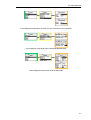
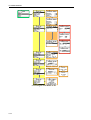
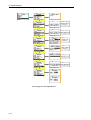
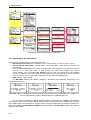
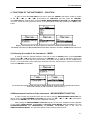
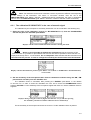
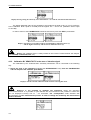
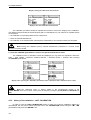
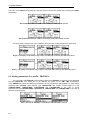
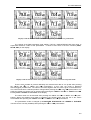
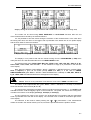
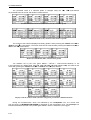
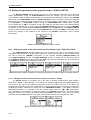
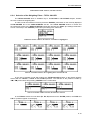
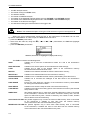
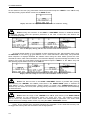
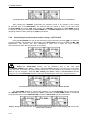
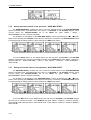
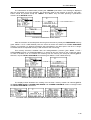
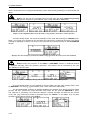
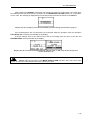
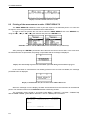
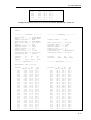
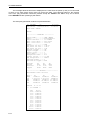
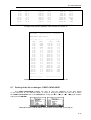
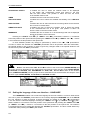
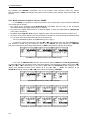
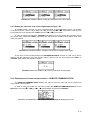
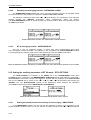
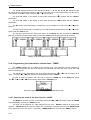
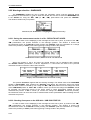
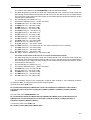
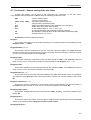
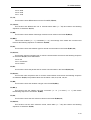
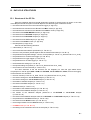
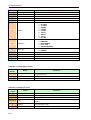
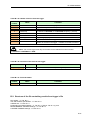
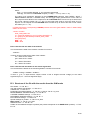
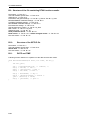
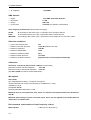
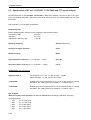
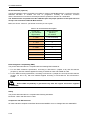
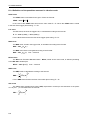
Exemplary contents of the LOAD SETUP window
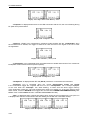
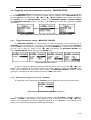
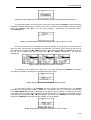
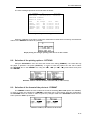
The name of the file is accepted and the file is loaded after pressing the <ENTER> push-button.
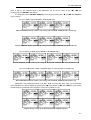
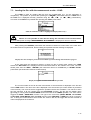
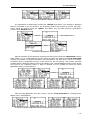
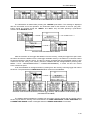
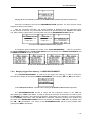
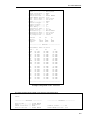
The message with the name of the selected file is displayed during the execution of the loading operation.
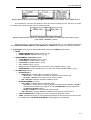
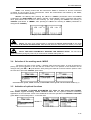
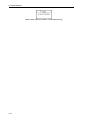
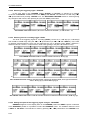
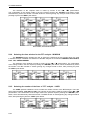
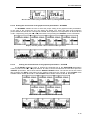
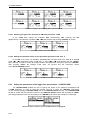
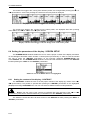
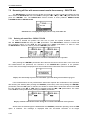
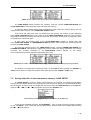
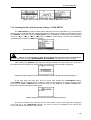
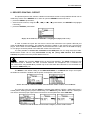
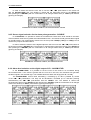
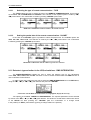
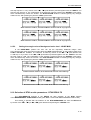
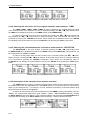
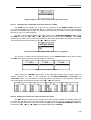
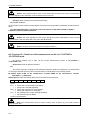
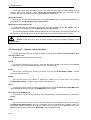
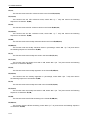
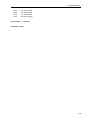
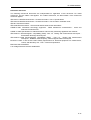
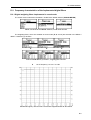
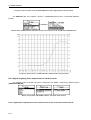
The next message is displayed after successful end of loading operation. The instrument waits
for the reaction of the user (any push-button should be pressed except the <SHIFT> or <ALT> one) and
after pressing a push-button it returns to the FILE list.
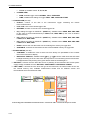
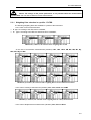
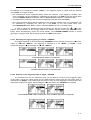
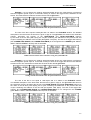
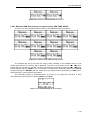
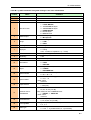
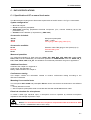
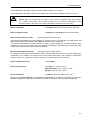
<A KEY>
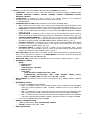
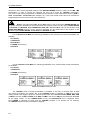
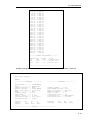
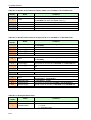
Displays after the execution of the LOAD SETUP operation
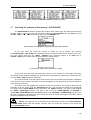
7.11 Connecting the external USB memory stick- DIRECTORY
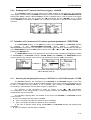
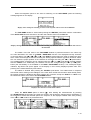
The DIRECTORY text appears in the FILE list when the USB memory stick is connected
to the device. (It is necessary to select in the USB–HOST PORT window the USB DISK position, path:
MENU / SETUP / USB–HOST PORT / USB DISK). In order to enter the window the user has to select
the DIRECTORY text in the FILE list, using the <
>, <
> (or <
>, <
>) push-buttons and press
the <ENTER> one. The return to the FILE list is possible after pressing the <ESC> push-button.
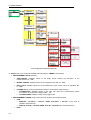
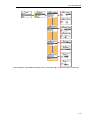
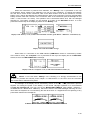
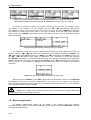
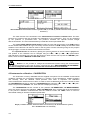
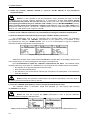
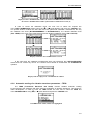
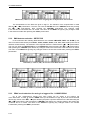
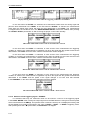
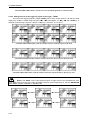
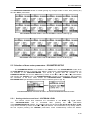
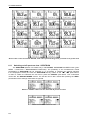
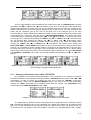
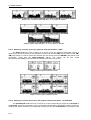
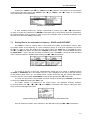
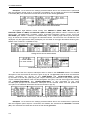
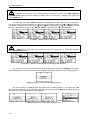
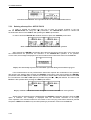
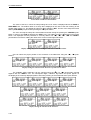
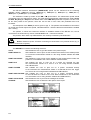
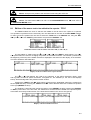
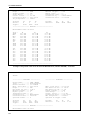
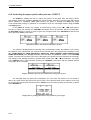
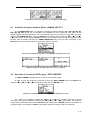
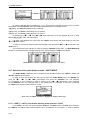
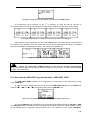
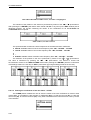
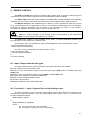
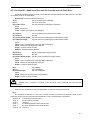
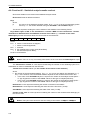
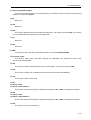
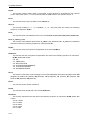
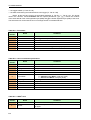
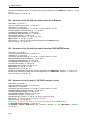
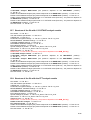
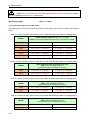
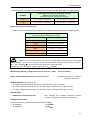
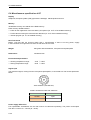
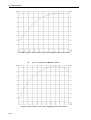
a)
b)
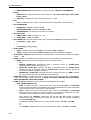
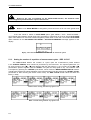
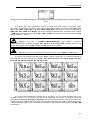
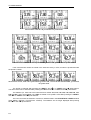
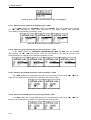
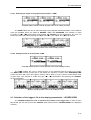
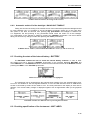
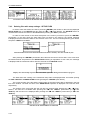
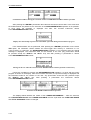
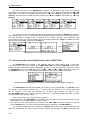
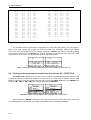
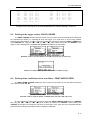
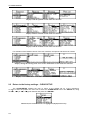
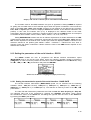
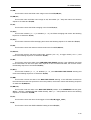
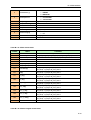
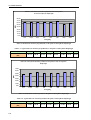
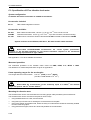
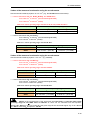
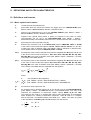
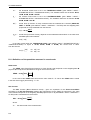
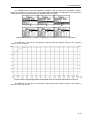
FILE list with the DIRECTORY text selected (a) and the DIRECTORY window opened (b)
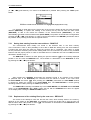
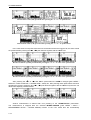
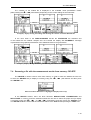
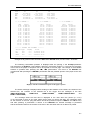
The FREE SPACE denotes the available free memory on the connected disk. The DIR NO. shows
st
the number of the selected directory (the 1 number) and the number of the existing directories
nd
(the 2 number). In the case the directories do not exist, these numbers are equal to zero.
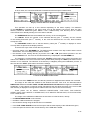
st
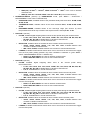
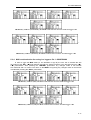
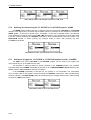
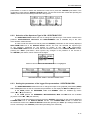
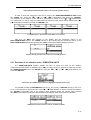
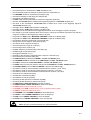
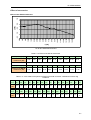
The DIR NAME enables one to edit the directory name (the 1 number) or displays its name. The help
lines are placed at the display’s bottom.
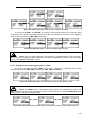
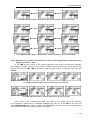
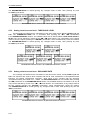
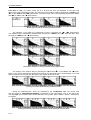
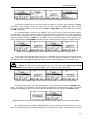
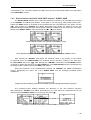
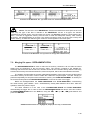
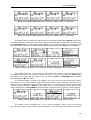
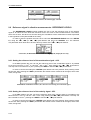
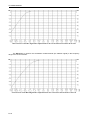
There are two ways of the current directory selection:
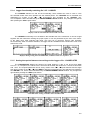
• the name edition in the DIR NAME line. The default name consists of the day number and the month
abbreviation. The not existing directory will be created.
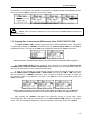
• the selection of the existing directory by means of the <
>, <
> push-buttons pressed in the line
with the DIR NO. text. The name of the selected directory is displayed in the DIR NAME line.
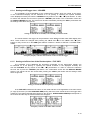
The selection is confirmed after pressing the <ENTER> push-button which closes the window and
returns to the FILE list. The return to this list is also possible after pressing the <ESC> push-button but
7-40