1
G7 USER MANUAL
5.6 Selection of FFT analysis parameters - FFT
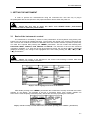
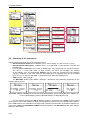
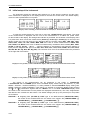
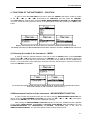
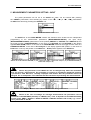
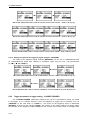
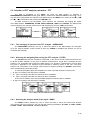
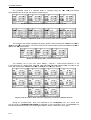
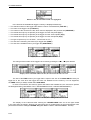
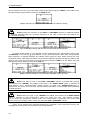
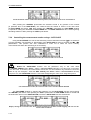
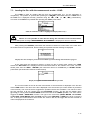
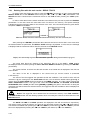
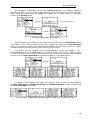
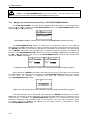
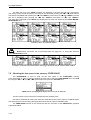
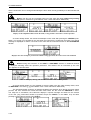
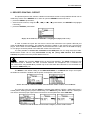
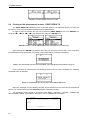
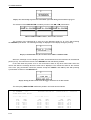
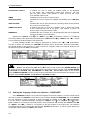
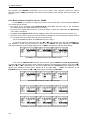
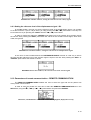
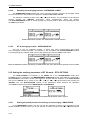
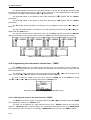
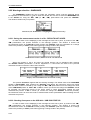
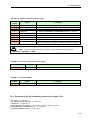
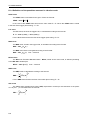
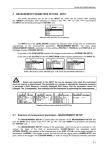
The FFT is accessible in the INPUT list when the FFT function is selected in
MEASUREMENT FUNCTION window (path: MENU / FUNCTION / MEASUREMENT FUNCTION / FFT).
This sub-list is opened after the selection of the FFT text from the INPUT list by means of the <
>, <
>
(or <
>, <
>) push-buttons and pressing the <ENTER> one.
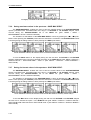
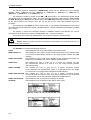
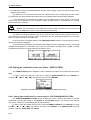
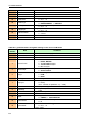
The FFT consists of the parameters, which influence the calculation and logging the results
of the FFT analysis: AVERAGING, FILTER, BAND, WINDOW, LINES and LOGGER. The FFT window
is closed ignoring any changes made in there, after pressing any time the <ESC> push-button.
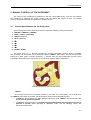
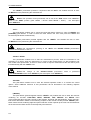
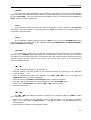
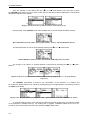
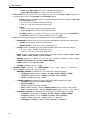
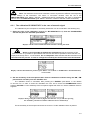
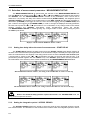
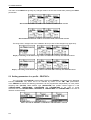
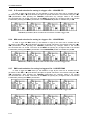
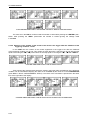
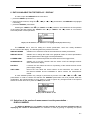
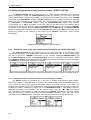
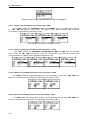
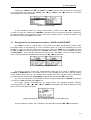
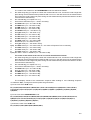
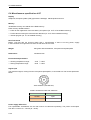
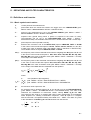
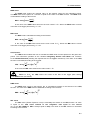
=> <ENTER> =>
a)
b)
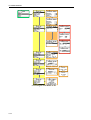
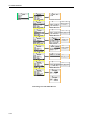
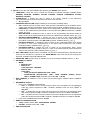
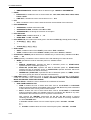
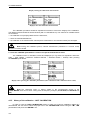
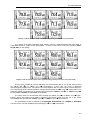
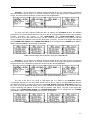
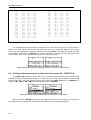
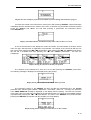
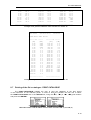
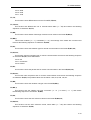
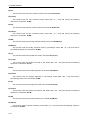
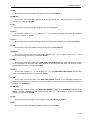
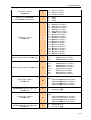
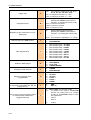
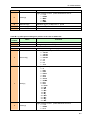
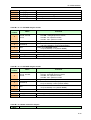
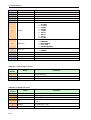
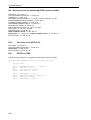
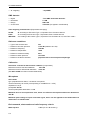
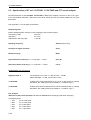
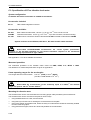
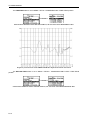
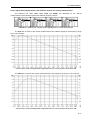
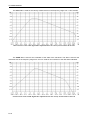
FFT selected in the INPUT list and the FFT window opened in sound mode (a) and in vibration mode (b)
5.6.1
The averaging of spectra in the FFT analysis - AVERAGING
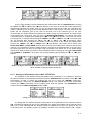
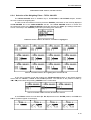
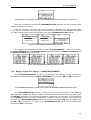
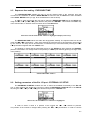
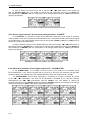
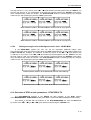
The AVERAGING influences the way in which the spectra in the FFT analysis are averaged.
Up to the internal software version named as 6.04 only LINEAR is available (this position can not be
accessed and changed).
5.6.2
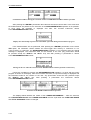
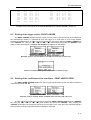
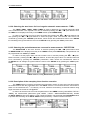
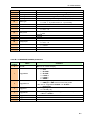
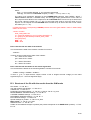
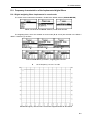
Selecting the weighting filter during the FFT analysis - FILTER
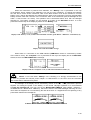
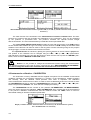
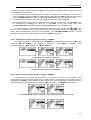
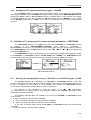
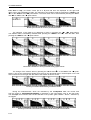
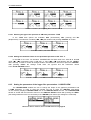
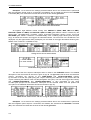
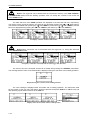
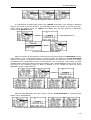
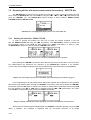
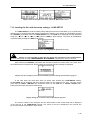
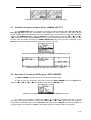
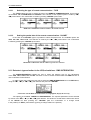
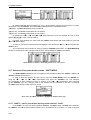
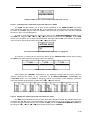
The FILTER influences the calculations of the FFT. In the case of sound measurements there are
Z, A and C filters available. In the case of vibration measurements, only Z filter is available and the
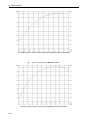
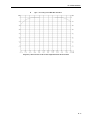
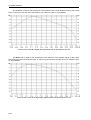
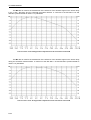
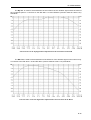
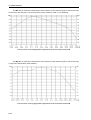
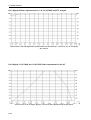
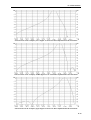
position is not accessible after entering the FFT window. The frequency characteristics of those filters
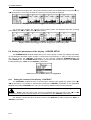
are given in Appendix D. The selection of this parameter is made by means of the <>, <> pushbuttons. The confirmation of the change made in the line requires pressing the <ENTER> push-button,
which simultaneously closes the window.
•
•
•
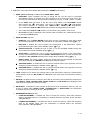
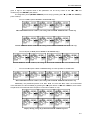
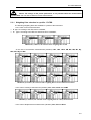
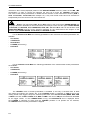
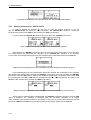
The following weighting filters are available in the case of the FFT analysis in sound mode:
Z type 1 according to the IEC 61672-1 standard,
A type 1 according to the IEC 651 and IEC 61672-1 standards,
C type 1 according to the IEC 651 and IEC 61672-1 standards.
•
In the case of vibration mode, during the FFT analysis the following filter is available:
Z type 1 according to the IEC 61672-1 standard.
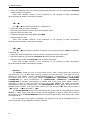
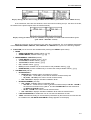
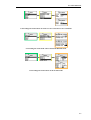
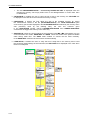
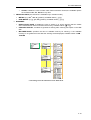
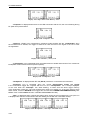
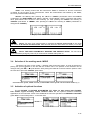
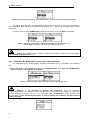
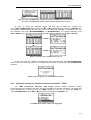
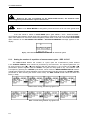
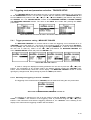
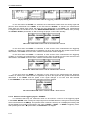
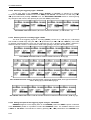
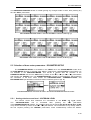
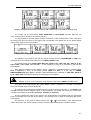
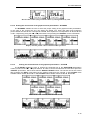
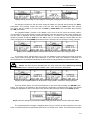
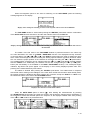
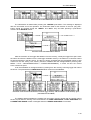
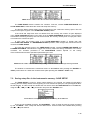
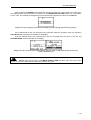
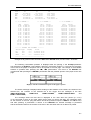
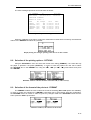
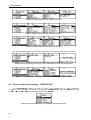
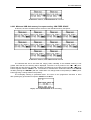
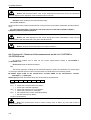
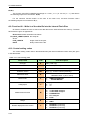
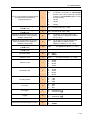
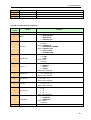
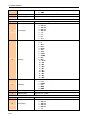
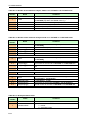
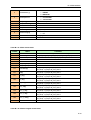
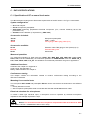
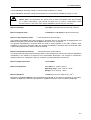
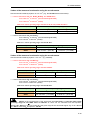
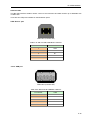
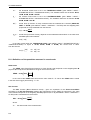
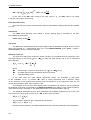
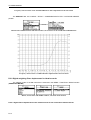
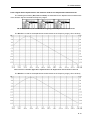
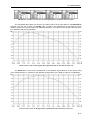
FFT window; the FILTER selection in sound mode
5.6.3
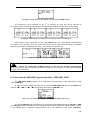
Selecting the analysis band of the signal - BAND
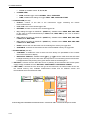
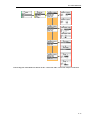
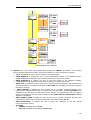
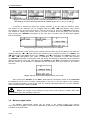
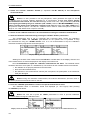
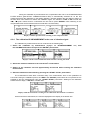
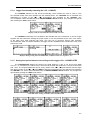
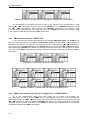
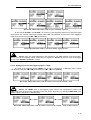
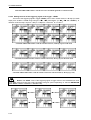
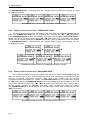
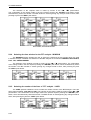
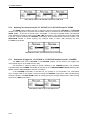
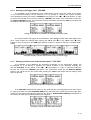
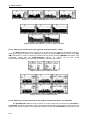
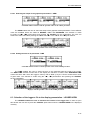
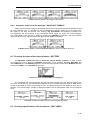
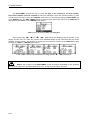
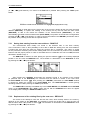
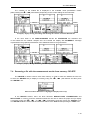
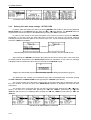
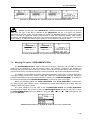
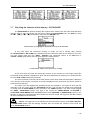
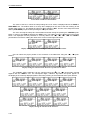
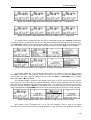
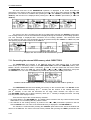
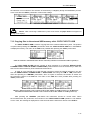
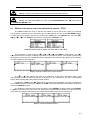
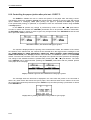
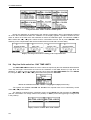
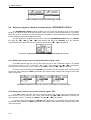
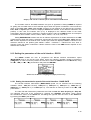
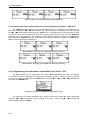
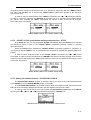
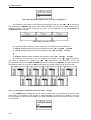
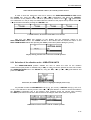
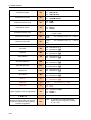
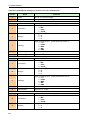
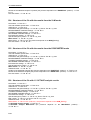
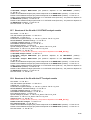
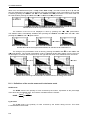
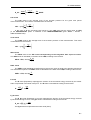
The BAND position enables the user to select the band in which the narrow-band analysis
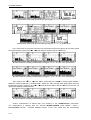
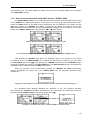
of the signal has to be performed. The user has the following possibilities: 22.4 kHz, 11.2 kHz, 5.6 kHz,
2.8 kHz, 1.4 kHz, 700 Hz, 350 Hz, 175 Hz and 87.5 Hz.
5-25