1
© Florida Solar Energy Center, 2012
Surroundings
(Back to Table of Contents)
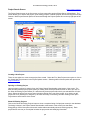
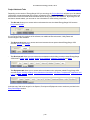
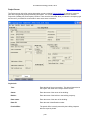
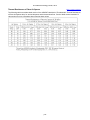
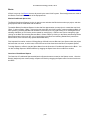
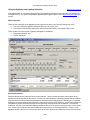
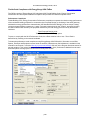
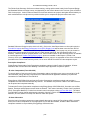
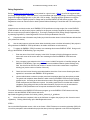
This section contains specific help information for entering inputs on the Surroundings screen (for general
building component entry help, see the building components help section). To access the Surroundings screen,
click on the Site tab, then Surroundings subtab.
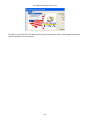
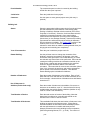
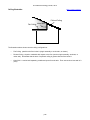
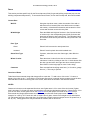
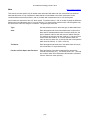
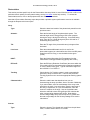
EnergyGauge USA uses shade planes to simulate the energy use impact of shade trees and adjacent buildings
surrounding the project. Note that the Surroundings screen is only available when in User Entry Mode (selected
via the View main menu option) and that Surroundings entries will not affect Energy Code or Rating results.
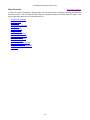
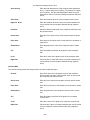
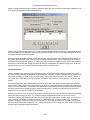
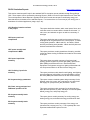
Shade Trees
Type
Select the tree Type for each orientation listed, as applicable,
from the pull-down menu.
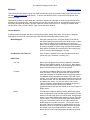
Height / Width / Distance
Enter the approximate tree Height, Width and Distance from the
project house for each tree, in feet.
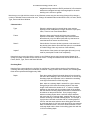
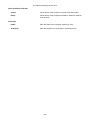
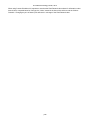
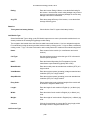
Adjacent Buildings
Exist?
Check the box for each orientation listed, as applicable, for any
adjacent buildings to the project building.
Height / Width / Distance
Enter the approximate building Height, Width and Distance from
the project house for each adjacent building, in feet.
p27