1
March 3, 2011
Apteryx Imaging
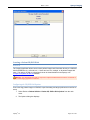
Creating a Patient CD/DVD Disk
Overview
The imaging application allows users to burn patient images and information directly to a CD/DVD
disk for distribution (e.g. referrals, etc.). Users can burn one, multiple, or all patient images with
ease. The utility is an add-on component that can be downloaded from the Apteryx.com
Component Updates & Add-ons website.
Warning: The CD/DVD Burning add-on component requires Windows® XP and version 3.9 build 86 or
higher of the imaging application to function.
Configuring the CD/DVD Disk Options
Prior to burning patient images to CD/DVD, export formatting and target preferences must first be
setup.
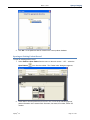
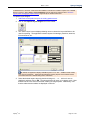
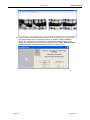
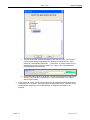
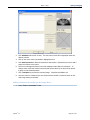
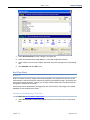
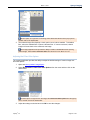
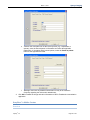
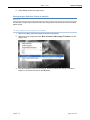
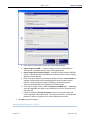
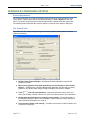
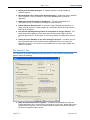
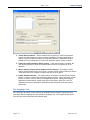
1. Select Patient > Patient Utilities > Patient CD, DVD or Disk Options from the main
menu.
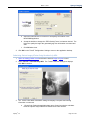
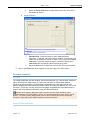
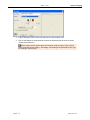
2. The Options dialog box displays.
Apteryx®, Inc.
Page 112 of 147